Introducing Artlist’s new AI music search

The perfect song for your video
Finding music to soundtrack a video or film can be a painstaking process. That’s why the Artlist catalog has so many features to make this easier for you, whether it's the intuitive filters, the similar songs, or the personalized recommendations on your home page.
We’re always looking for ways to help you find the perfect song for your video faster, and are excited to announce a major upgrade to Artlist’s music search, powered by the latest AI technologies.
Introducing the new AI music search
Artlist’s new AI music search is designed to make it easier and faster for you to find exactly the right music for your video.
Now you can:
- Use references, for example, names of movies or musicians
- Look for music by subject theme
- Enter longer, descriptive sentences
- Ignore spelling mistakes or typos
It’s as if you have your own personal AI song finder to help you get the soundtrack you need.
Examples of results with the AI music search
Searching by reference
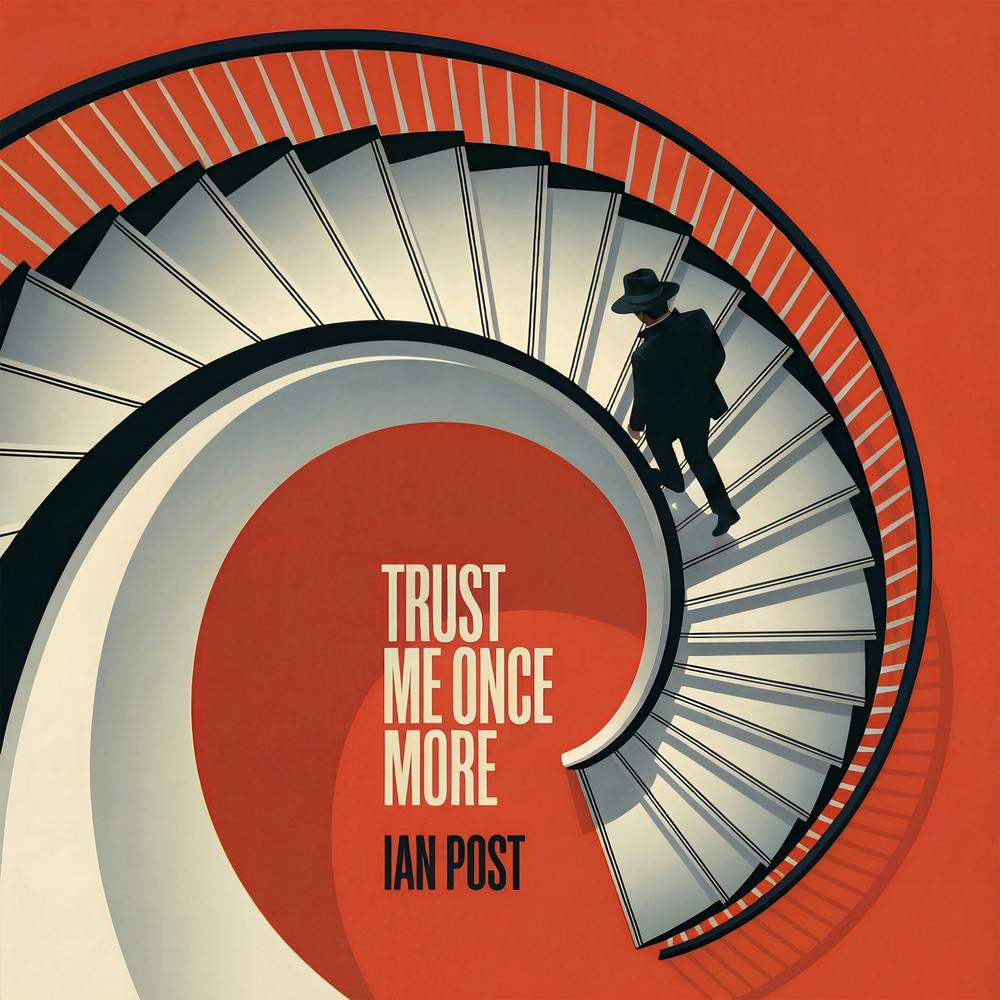
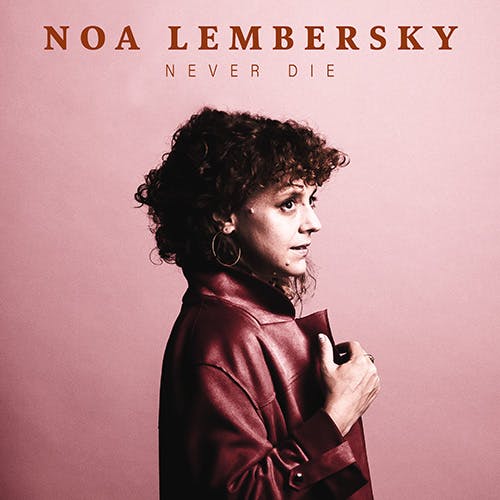
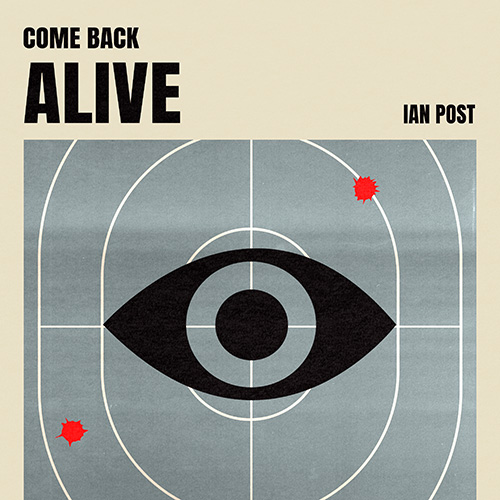
Here are some of the results when searching for “Star Wars”



And here are some results for “James Bond”
Searching by theme
These are some of the results when searching for “Superbowl”



And check out results for “back to school”
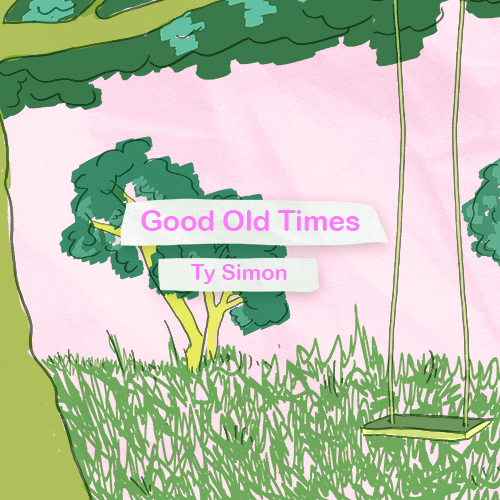
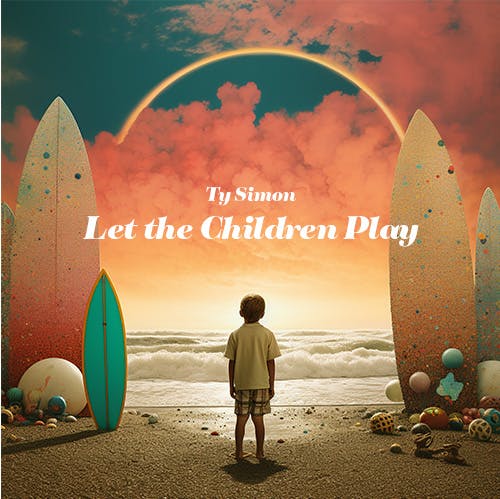

Searching with detailed descriptions
Here are the top results when searching for “cinematic background music for emotional scenes”
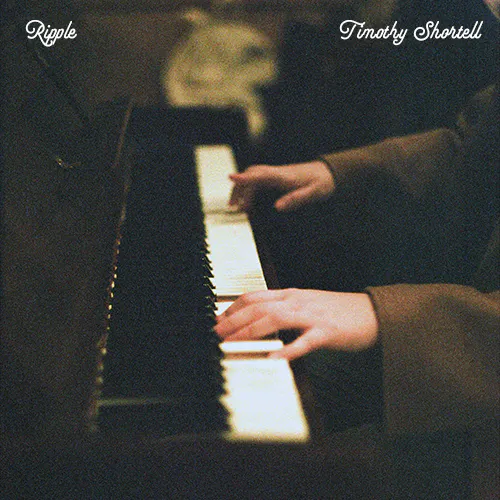
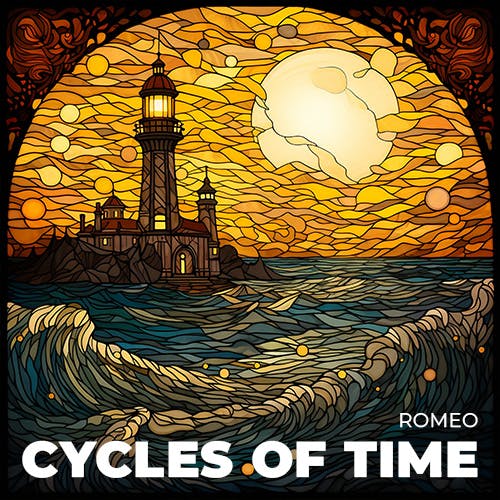
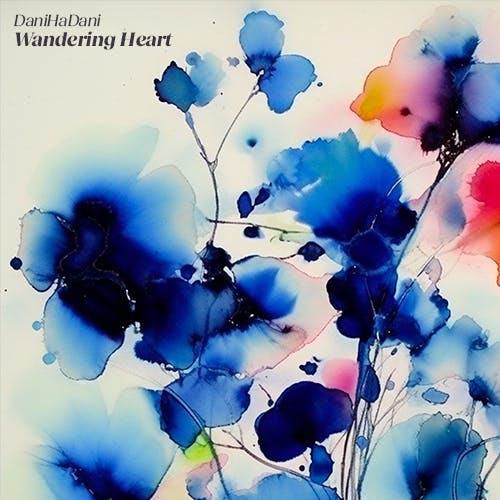
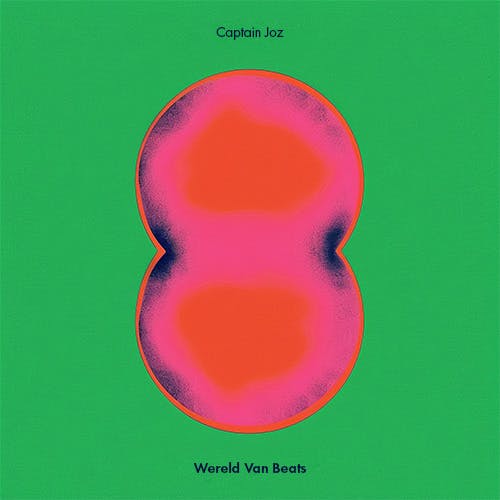
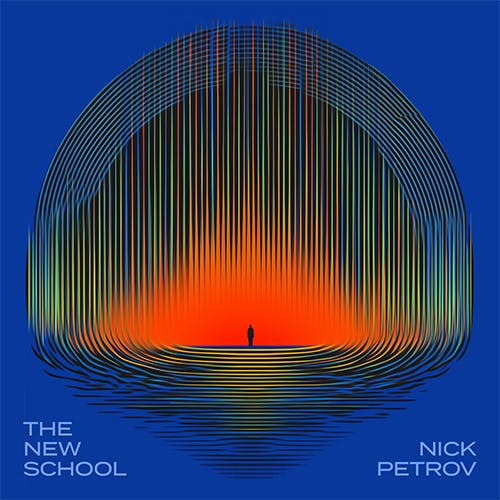
And here are some results for “upbeat instrumental track for travel vlog”

Searching with typos
It can be so frustrating when a search doesn’t work because you made a mistake in the spelling, or sometimes there’s more than one way of spelling something (think R&B vs RnB vs R‘n’B).
The new AI music search doesn’t let these mistakes get in the way of finding you the right result, so you can focus on getting the right song, not your spelling.
How does it work?
The new AI music search uses the latest large language model (LLM) technology. It’s trained on huge amounts of music and their corresponding descriptions, to be able to match your search query, in your natural language, with the best results.
After this training process, our catalog curators got involved. They’re true music experts, and we used their feedback to refine the model and get you even more accurate results.
This is just the beginning, the model will keep learning with every new search that goes into it, and we’ll keep making it better and better over time.
Find the footage and SFX to fit your music
Artlist also has a powerful AI-powered footage search that uses similar technology to get you the perfect results when looking for royalty-free footage for your video projects.
Every clip in the catalog comes with suggestions from Artlist’s huge collection of high-quality sound effects that match the visuals.
So, you really have everything you need to create amazing videos. To get full access to the catalog, check out the Artlist Max plan.
There’s even more to come
Over the next few months you can expect lots more updates and new features in Artlist to help you create better videos faster than ever. Get news on the latest developments, together with tutorials, and inspirational curated collections, when you sign up for free.