Best AI video generators in 2026

Highlights
The number of AI video generator for content creators options has tripled in the past year. That's useful, except most roundups covering them rank by output quality alone and skip the question working creators actually care about: what can you legally do with what you make?
Commercial licensing is usually buried in the fine print. For marketers, agencies, and small business owners producing video at scale, that gap is expensive. One unlicensed clip in a paid ad campaign can create real problems.
This list ranks eight leading tools by output quality, licensing clarity, ease of use, and pricing. Artlist's AI video generator leads because it's the only option here that bundles commercial licensing with professional-grade models from multiple providers. Every other tool earns its spot on its own merits.
How we evaluated these tools
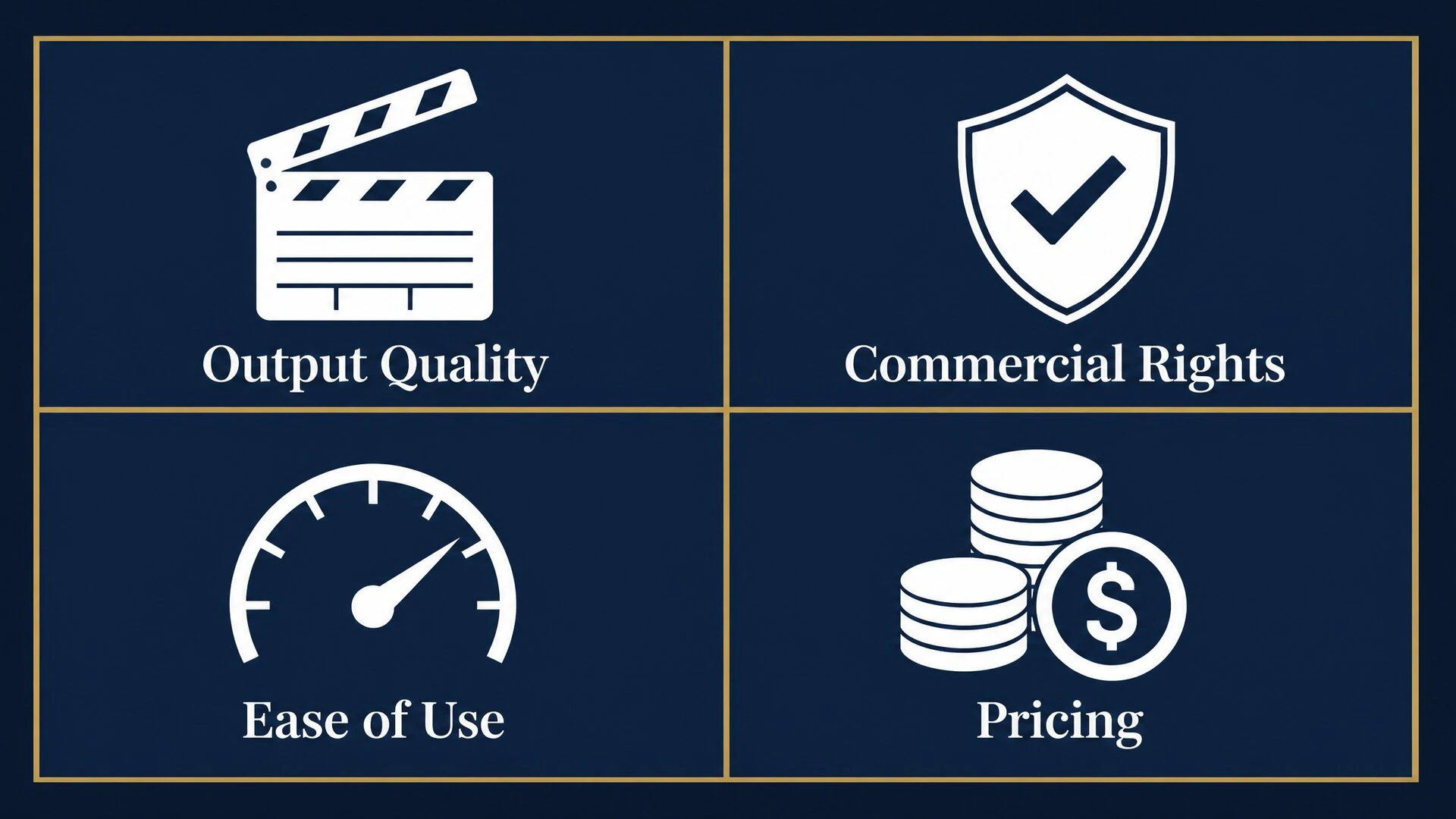
Four criteria shaped every entry in this list.
Output quality. Does the video look like something you'd actually publish? We're looking at motion coherence, lighting, artifact frequency, and how well the model holds a consistent visual style across several seconds of output.
Commercial licensing. What can you legally do with generated video? Free tiers on most platforms restrict commercial use, require attribution, or add watermarks. For anyone producing content for clients, ads, or paid social, this is the most important column.
Ease of use. How long does it take to get a usable result from a basic text prompt? Some tools reward deep prompt engineering. Others get you to a first output in under a minute. Both have valid use cases depending on your workflow.
Pricing. What's the real cost per video at production volume, not just the advertised monthly rate? Pricing changes frequently across all platforms, so we've noted current tiers as a reference point. Confirm directly before committing.
The top AI video generators in 2026
1. Artlist AI video generator
Artlist's AI video generator is the strongest overall pick for professionals because it solves two separate problems at once: which model to use, and whether you can publish the output. Instead of building around a single generation engine, the platform aggregates top-tier models, including Kling 3.0, Veo 3.1, Seedance 2.0, and Sora, under one subscription. Every video you generate belongs to you, and commercial rights are included in all paid plans.
That changes the economics of video production in a meaningful way. You can compare how different models handle the same prompt, combine text to video AI outputs with image to video clips, and add licensed music and SFX from the same dashboard, all without switching platforms or reviewing separate licensing agreements.
The entry point isn't the cheapest on this list. Artlist is built for professional volume, not casual one-off experiments.
Best for: Content creators, marketers, and agencies who need commercially licensed AI video output at production scale without juggling multiple subscriptions.
Try Artlist's AI video generator
2. Runway Gen-3 Alpha
Runway remains the strongest standalone option for cinematic-quality output. Gen-3 Alpha handles long clip durations, complex visual effects, and abstract motion better than most text-to-video alternatives. For work that needs to look like something from a production studio, the gap between Runway and the next-best option is still noticeable.
The platform gives you real control. Camera motion presets, reference style inputs, and multi-pass generation let you build a sequence deliberately rather than hoping one prompt lands perfectly. Filmmakers building short brand films or narrative pieces will find that level of precision valuable.
The practical limitation is cost at volume. Runway's commercial license sits behind its higher subscription tiers, and serious production use consumes credits quickly. First-time users also tend to underestimate how much practice it takes to get consistently good results.
Best for: Filmmakers, directors, and post-production teams who need cinematic motion quality and are willing to invest time in learning the platform's controls.
3. Kling 3.0
Kling 3.0 from Kuaishou is one of the most technically capable top AI video generators available in 2026. Its standout quality is motion realism: it handles fast movement, object physics, and camera transitions more convincingly than most models at comparable resolution. The Pro tier adds first-frame and last-frame reference control for image-to-video work, lip-sync improvements, and multi-shot generation.
Creators who want Kling without setting up a separate international platform account can access Kling 3.0 directly through Artlist's AI video generator, with commercial licensing included. That removes the friction of managing a standalone subscription and reconciling its usage terms against your content needs.
Used directly through Kuaishou, the interface is functional but less refined than Runway or Artlist. The commercial terms on the standalone plan reward a careful read before publishing client work.
Best for: Social creators and marketers who need high-realism motion, particularly for image-to-video product and lifestyle content.
4. Pika 2.2
Pika is built for speed. Where most video generators reward detailed, iterative prompting, Pika gets you from a text description to a watchable short clip faster than almost anything else. For social media teams running through a dozen concept variations in an afternoon, that cycle time matters.
Version 2.2 improved character consistency and added better controls for animating still images. Product videos, lifestyle clips, and trend-driven social content are its natural territory. The interface is genuinely approachable for users who haven't used AI video tools before.
The ceiling shows under production pressure. Free-tier output includes watermarks, and paid plans cap resolution and clip length in ways that limit broadcast-quality work. Motion coherence across clips longer than a few seconds is still inconsistent compared to Kling or Runway.
Best for: Social media creators who need fast, polished short clips and want a low barrier to entry.
5. InVideo AI
InVideo targets a specific workflow: provide a script or a rough prompt, and the platform assembles a video using stock footage, AI voiceover, text overlays, and templates. For brands that need a high volume of explainer videos, onboarding content, or social scripts turned into deliverables without a production team, that assembly approach delivers real value.
The creative ceiling is the trade-off. InVideo's output looks like what it is: a template-built video, which is fine for utilitarian content but less suitable for campaigns that need to stand out. The platform's AI agent makes production decisions on your behalf, so per-shot control is limited. The free tier adds a watermark.
For the specific use case of script-to-video at volume, few tools compete with its speed.
Best for: Non-editors, HR and training teams, and brands that need a reliable pipeline from written content to finished video without heavy manual work.
6. Luma Dream Machine
Luma Dream Machine does image-to-video particularly well. Drop in a product photo, a landscape, or a portrait, and the model produces a short, cinematic clip with convincing light movement, shadow depth, and ambient detail. For creating social content from still photography, it's one of the fastest options to a polished result.
Text-to-video is weaker on Luma than its image animation work. If your primary workflow is generating video from written prompts rather than reference images, other options in this list handle that more reliably.
The free tier is genuinely available, which makes it worth testing before committing. Commercial use requires a paid plan, and the terms are worth reviewing carefully before publishing output in a brand campaign or paid placement.
Best for: Creators who primarily animate still photos for social content, product videos, and lifestyle campaigns.
7. HeyGen
HeyGen is a different category of tool. It's not a generative video platform in the same sense as Runway or Kling. It's an AI avatar system: you give it a script and a source video (your own face, a licensed avatar persona, or a custom character), and it produces a polished, lipsync'd talking-head video.
For businesses, educators, and HR teams that need to scale video content without putting a presenter on camera every time, HeyGen is purpose-built for that problem. Multilingual dubbing is strong, and the avatar quality has improved significantly over the past two versions.
The limitation is scope. If you need original footage from a prompt, HeyGen isn't the tool. Pricing escalates quickly at production volume, and the use case is narrow enough that most creative producers will want a separate generative video platform alongside it.
Best for: Businesses and educators who need scalable talking-head or avatar-based video for training, onboarding, and explainer content.
8. Sora (OpenAI)
OpenAI's Sora produces impressive text-to-video output. Clip durations are longer than most competitors, physics and object interaction are handled well, and consistent visual style across multiple generations from the same prompt is a genuine strength.
The access limitation is real: Sora is available to ChatGPT Plus and Pro subscribers only, with no standalone plan. For most professional creators, that means it's an add-on to an existing ChatGPT subscription rather than a primary production tool.
The larger issue for commercial work is licensing ambiguity. OpenAI's usage terms for Sora-generated video are less explicit than platforms designed specifically for creative production. For personal or experimental use, the output quality justifies the subscription. For client work or paid placements, the current terms need a deliberate read before publishing.
Best for: ChatGPT Pro subscribers who want high-quality text-to-video generation for personal projects and creative experimentation.
Which AI video generator is right for you
The decision comes down to what you're making and who it's for.
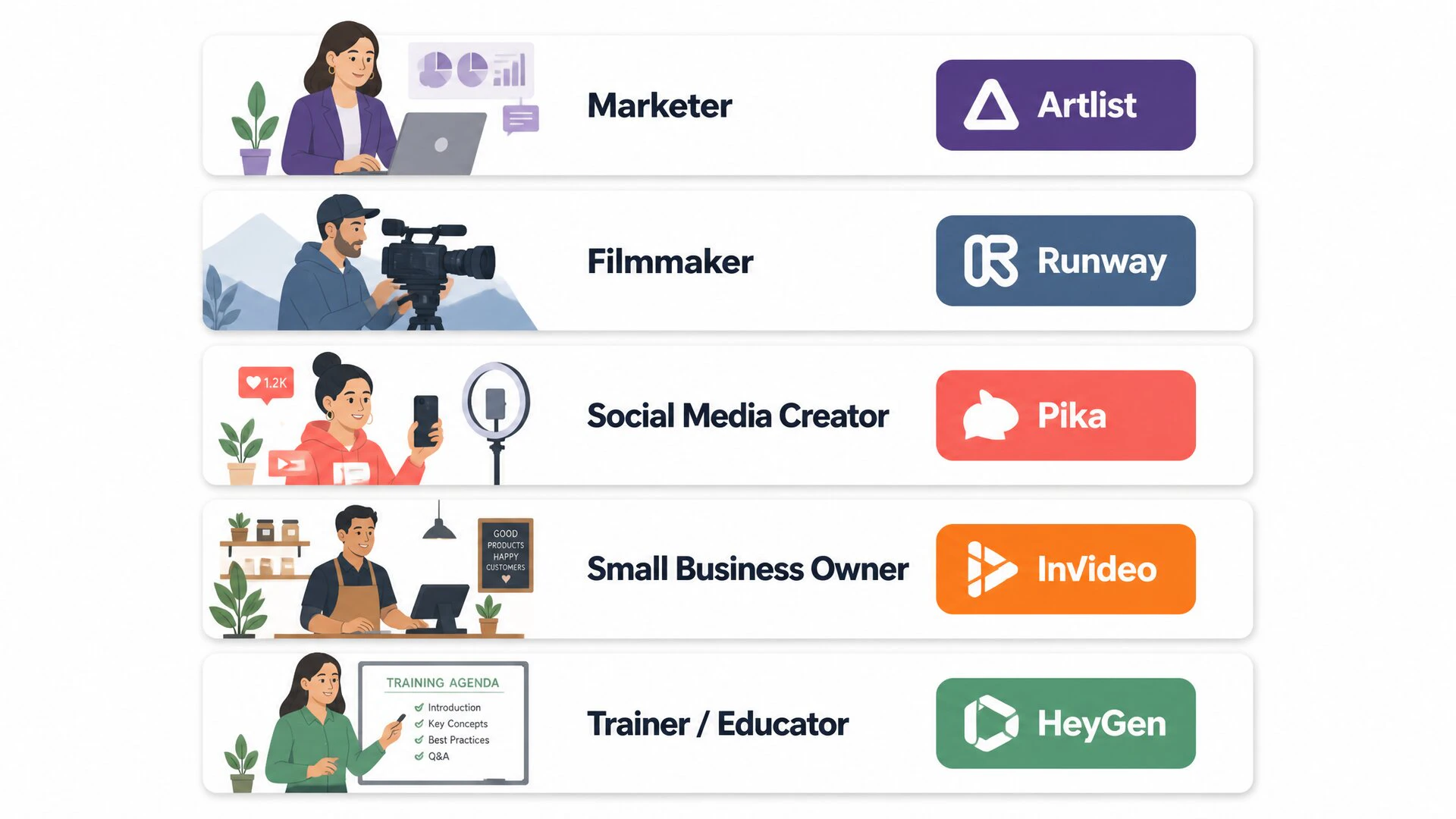
Marketers and agency producers need commercial licensing first, output quality second. Artlist's AI video generator handles both in one subscription. InVideo AI is the better call if the workflow is purely script-driven and visual originality isn't the priority.
Filmmakers and directors should start with Runway Gen-3 Alpha for cinematic work and motion effects. Kling 3.0 is the stronger option for motion realism on fast-moving subjects, and you can access it through Artlist without a separate account. For most production workflows, the two complement each other.
Social media teams benefit most from speed and iteration. Pika handles short-form text-to-video quickly, and Luma Dream Machine is the cleaner choice when the source material is a still photo. Both are built for the clip lengths and formats that perform on social.
Small businesses without a production team should weigh InVideo for high-volume script-to-video content and Artlist for anything that ends up in paid advertising or client work. The commercial license distinction matters most here.
Anyone building talking-head or training video at scale should look at HeyGen. Pair it with Artlist's AI voice generator if multilingual narration is part of the workflow.