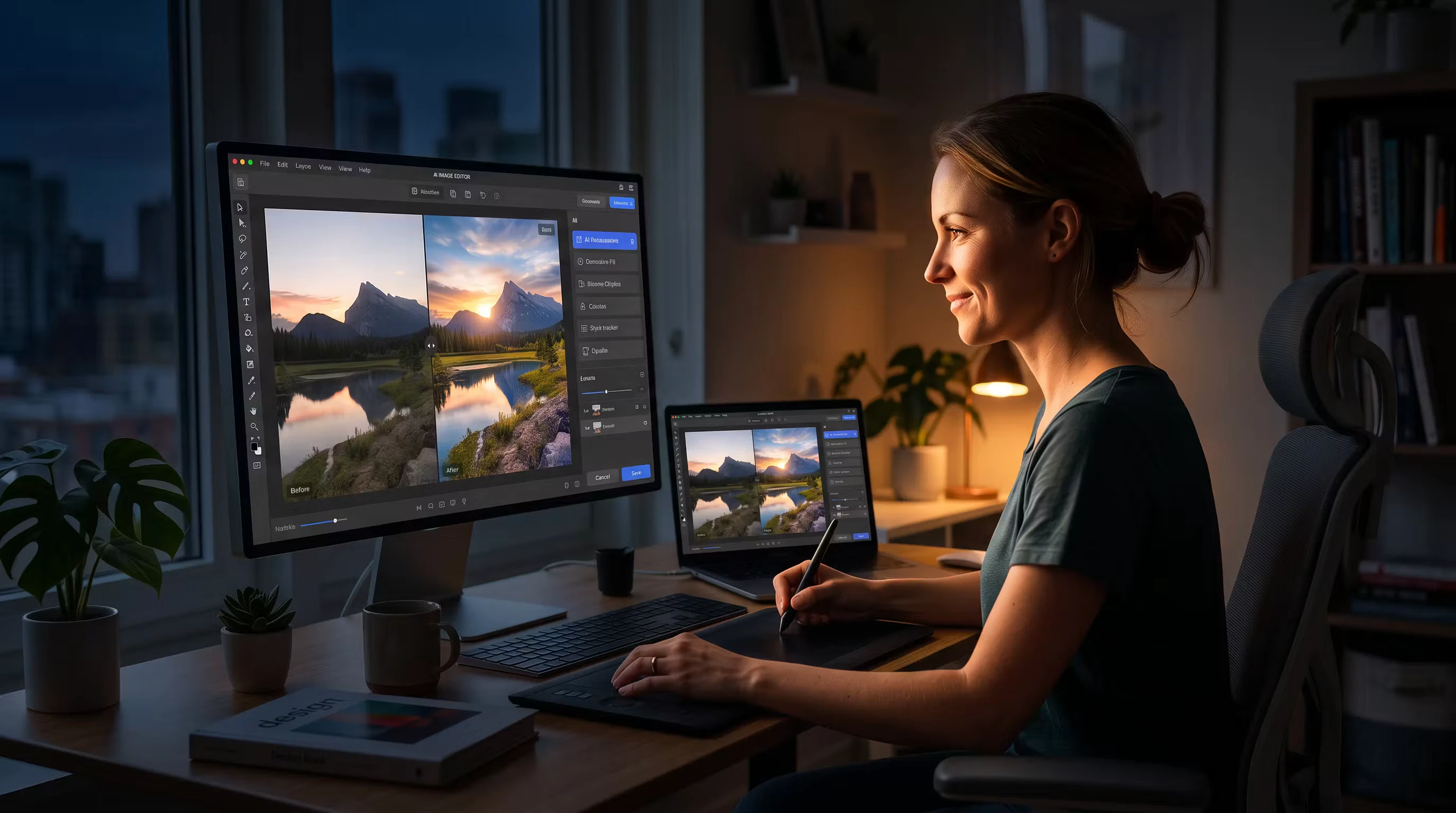
AI glossary: A beginner’s dictionary for creatives

Highlights
Table of contents
Artlist’s AI glossary for video creators
Artificial intelligence (AI) is transforming how video creators approach their craft, with progress being made at such breakneck speed, it can be hard to keep up. To stay ahead of the game, video creators must understand basic AI terminology so you can elevate your creative projects and save valuable time. In this guide, we’ll break down essential AI concepts for creatives, explore how they’re used in video creation, and share the tools you need to stay ahead of the curve, streamline post-production, maximize generative AI, and experiment with AI-driven effects and scripts. Let’s go!
AI terminology glossary
Artificial intelligence
Artificial intelligence — AI — is when computers or machines are designed to think, learn, and make decisions like humans. Instead of just following a set of instructions, AI analyzes information, recognizes patterns, and improves over time without being directly told what to do, kind of like teaching a robot to learn from experience. AI is game-changing for creatives and shaking up the entire industry, especially within film. At Artlist, we see AI as an opportunity to maximize the creativity of our community, enhance innovation, and democratize the film industry.
Machine learning
Machine learning is a form of AI where computers learn from data and improve over time without being programmed for every task. In film it’s often used to streamline the creative process by automating tasks like video editing. Machine learning can analyze footage and make smart decisions about cuts, transitions, and color grading. It can assist with generating visual effects, suggest music that fits a scene, and improve facial recognition — which is why machine learning should be in every filmmaker’s tool box.
Generative AI
Generative AI is a game-changer for video creators because it uses machine learning models to create new and original content. It can generate realistic video clips and audio, enhance existing visuals, and automate arduous editing tasks. This is good news for video creators because it helps streamline workflow, suggest creative ideas, and generate animations and voiceovers with minimal effort and very little cost. Understanding the basics of generative AI gives creators a powerful edge, encourages experimentation and innovation, and unlocks new possibilities in the video production process.
Deep learning
Deep learning recreates the way a human brain works through AI, so the more information it receives, the more it understands the subject. For video creators, deep learning AI tools can recognize faces, objects, or even scenes in your footage. It can automate tagging, improve video quality, and create very realistic effects. Think of it as the tech behind smart editing tools that can ‘understand’ your footage and then make decisions that save you time and effort.
Training
AI training is the process of feeding an artificial intelligence model large amounts of data so it can recognize patterns and make predictions. Over time, the AI model will improve its accuracy and adjust itself based on feedback, so it can help filmmakers perform specific tasks more effectively.
Models
AI models are smart algorithms that learn from data to make predictions or decisions, like teaching a computer how to recognize patterns. AI models can help with all sorts of things, from recognizing faces in photos to predicting what you might want to view on social media. They do this by learning from past examples. Here are three examples of AI models relevant for filmmakers:
- Foundational
An AI foundational model is trained with huge amounts of diverse data, which can then be adapted to perform a wide range of tasks. Filmmakers can use this model to generate scripts and story ideas, automate the editing processes, and enhance visual effects. Because these models are already trained on a broad spectrum of information, creatives don’t need to start from scratch and can use it for lots of tasks while speeding up workflow and unlocking new possibilities.
- Large language models (LLMs)
An AI large language model is a type of AI that can understand and generate human-like text by analyzing vast amounts of written data. Creatives can use it to write scripts, brainstorm, generate dialogue, and write detailed descriptions for scenes. It can help automate subtitles, and translations, and generate creative content for marketing. Think of this model as a writing assistant that’s on hand to spark new ideas, and help with repetitive tasks so you have more time for creative work.
- Diffusion models
An AI diffusion model is a type of machine learning that generates new images or videos by gradually adding and then removing noise to create realistic outputs. Diffusion models power many of today’s leading AI image and AI video generators, such as Flux, Kling, Veo or Hailuo. These help to create storyboards, background designs, stylized visuals, or entire scenes either from text prompts or visual references. Creatives describe what they want and diffusion-powered models generate visuals to match.
RLHF (Reinforcement Learning with Human Feedback)
RLHF is when AI models learn by receiving feedback from humans, which improves their decision-making in creative tasks. Filmmakers can use RLHF to fine-tune AI tools in areas like video editing, scriptwriting, or visual effects, and guide the AI to produce results that align with the artistic vision and audience preferences.
NAS (Neural Architecture Search)
NAS is when AI figures out the best way to build itself by testing different “architectures” or setups. This process means AI can automatically find the most efficient and creative ways to handle tasks like editing, color grading, or visual effects, saving creatives time and improving results without manually tweaking everything.
API (Application Programming Interface)
API acts like a bridge so different software and tools can talk to each other. This means filmmakers can connect different AI-powered tools — like video editors, special effects software, or script generators — and get them working together to automate tasks and speed up processes.
GAN (Generative Adversarial Network)
A GAN is a type of AI that creates new content like images or video, while another AI model judges if it looks real. Video creators can use GANs to create realistic CGI, generate hyper-realistic effects, or design creative visuals based on the AI “learning” from existing footage.
Data set
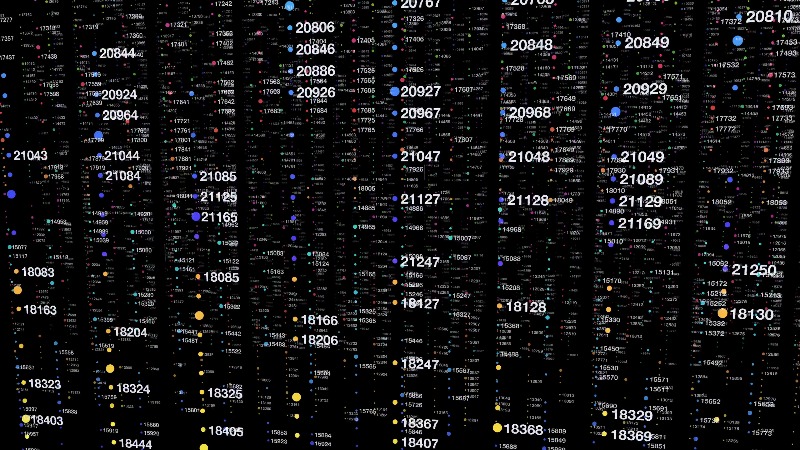
A data set is a collection of information or examples that AI uses to learn and make decisions. For filmmakers, this could be a library of footage, scripts, or sound files that an AI model “studies” to help it understand how to edit videos, suggest soundtracks, or even create new scenes based on what it’s seen.
AI Avatars
AI avatars are digital humans or branded virtual characters that present content through video, often using AI-generated speech, facial animation, and customizable appearances. They’re increasingly used in marketing, education, social media, customer service, and content creation.
For creators, AI avatars can act as digital presenters for YouTube automation channels, TikTok explainers, tutorials, or branded campaigns without requiring anyone to appear on camera. Platforms like Fabric by VEED, HeyGen, Creatify Aurora, and OmniHuman AI allow creators to generate avatar-led videos quickly, making them a growing part of faceless content and scalable digital production.
Text-to-image
Text-to-image AI is a tool that takes a description or prompt written in words and turns it into a realistic image or scene. You can describe a scene, character, or setting in detail, and generate visuals to match the description using AI. This can help creatives with everything from concept art, to background visuals, to storyboarding.
Text-to-text
Text-to-text AI is a tool that takes one piece of text and transforms it into another — whether that’s by rephrasing, summarizing, or expanding on the original content. For filmmakers, this could mean turning an idea into a full script, rewriting dialogue, or generating plot twists based on a few key details.
Image-to-image
Image-to-image AI takes one or more existing images and transforms them into a new one while preserving elements of the original. This can help creators change costumes or locations, turn actors into fantasy characters, create entirely new scenes, add stylized effects, enhance product shots, or generate fresh visuals from existing images — whether they’re building storyboards, upgrading social content, or adding imaginative new layers to their films.
Text-to-video
With text-to-video, AI takes a written description or script and turns it into a full video, complete with visuals and sometimes audio. Creatives can type out a scene or idea and ask AI to generate a video that matches this vision, helping flesh out rough drafts or create quick concept visuals.
Image-to-video
Similarly, image-to-video AI takes a static image and turns it into a moving video, adding animation, movement, or transitions based on the visual content provided. This means you can take a still shot and bring it to life as a dynamic scene which is great for helping filmmakers in pre-production and pre-visualization.
Video-to-video
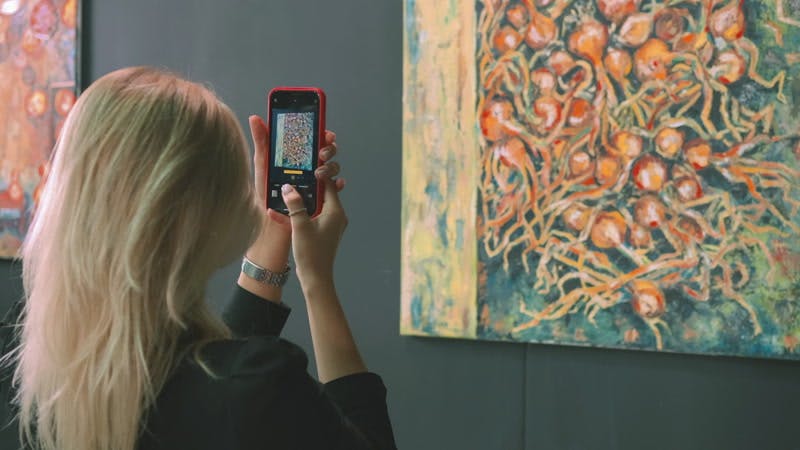
Video-to-video AI generators, such as Kling or Seedance, transform existing footage into new visual styles, aesthetics, or formats while maintaining the original motion and structure. This means creators can restyle filmed scenes, reimagine footage, or turn ordinary shots into extraordinary visuals, achieving results that once may have required extensive visual effects work and budget.
Audio-to-video
Audio-to-video AI takes audio, such as speech, music, or sound effects, and generates visual content to match. This could mean turning spoken dialogue into a talking avatar or digital presenter, transforming music into a music video, or using sound cues like rain or explosions to generate reactive visual sequences. It works by analyzing timing, tone, rhythm, and speech patterns, then syncing visuals accordingly. For creators, audio-to-video tools open up new creative channels for translating sound into visual storytelling.
Reference-to-video
Reference-to-video uses visual references, style inputs, or source material to guide AI video generation for greater consistency.
Motion control
Motion control in AI video tools allows creators to guide camera movement, subject motion, or animation style for more precise creative control. This helps ensure movement stays consistent, repeatable, and controllable across shots or generated sequences.
Text-to-speech
Text-to-speech converts written words into spoken audio, often used for voiceovers, narration, or faceless content.
Speech-to-speech
Speech-to-speech AI transforms one spoken voice into another while preserving delivery, pacing, or language.
Voice cloning
Voice cloning replicates a specific human voice using AI, allowing creators to generate realistic dialogue or narration that can replicate their tone, pitch, cadence and speaking style.
Voice effects
Voice effects use AI to alter vocal tone, style, or character, such as robotic voices, stylized narration, or dramatic enhancements.
AI-generated music
AI-generated music models create original songs, soundtracks, or compositions from prompts, visuals, or references. This can include text-to-music and image-to-music generation.
AI agent
An AI agent is an autonomous AI system capable of completing tasks, making decisions, and automating workflows with minimal input. For filmmakers and video creators, this could mean help managing editing tasks, organizing assets, generating content ideas, streamlining production steps, or supporting creative workflows.
Hallucination
In AI, hallucination refers to incorrect or fabricated outputs generated by an AI system that may sound convincing but are inaccurate. For creators, fact-checking AI-generated content remains essential.
Style transfer
This is an AI tool that takes the visual style of one image — like a famous painting, for example — and applies it to another, such as a newly created video or photo. So you can take a scene from your film and make it look like it was shot in a specific artistic style, like Vincent Van Gogh or Picasso. More than anything, it encourages instant experimentation and gives your video an artistic feel that makes it stand out.
Scene generation
One of the most useful tools for any filmmaker is scene generation which creates entire visual scenes based on text descriptions or input parameters. Describe a setting like “a busy café in Paris at sunset,” and the AI will generate a fully designed scene with landscapes, skylines, background, and lighting. This will save time on pre-production and help visualize complex shots.
Deepfake
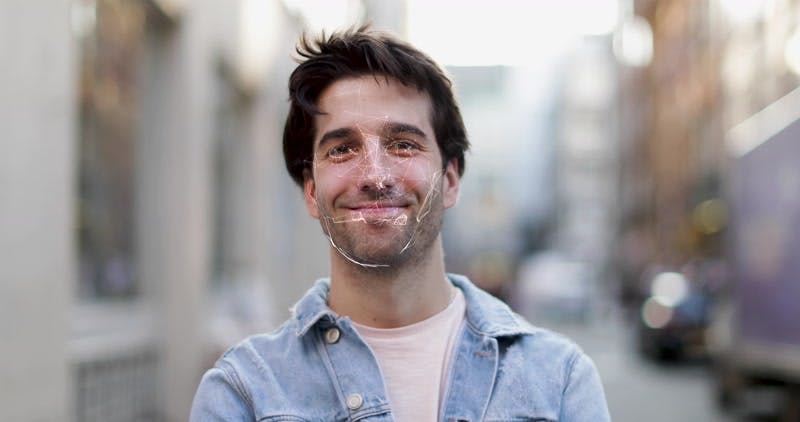
Deepfakes can swap faces or manipulate voices in videos to make them look like someone else, often so convincingly that it’s hard to tell if it’s fake. Filmmakers can use this tool to create realistic digital doubles of actors, bring historical figures into scenes, or borrow the familiar sound of a celebrity’s voice. It offers endless possibilities for storytelling, but it’s important to remember this technology does raise important ethical questions, so be aware of this when you use it.
Latency
This is the delay between giving a command to an AI system and seeing the result. It’s the lag you might experience when using real-time AI tools, like when you’re editing or generating visuals, and there’s a noticeable wait before the changes or effects appear on the screen.
Open source
This is when the code behind a software or AI tool that is freely available for anyone to use, modify, or improve. Open-source codes allow filmmakers to access powerful AI tools or software for editing, visual effects, or script writing without paying for expensive licenses. You can even customize the code to better fit your needs and share improvements with the filmmaking community.
That’s a wrap on the future of filmmaking
So there you have it — an airtight summary of all the AI terms you need to enhance your filmmaking journey. This helps simplify all those techy terms, so you can create better videos, faster. But nothing beats getting stuck into Artlist’s AI tools to find out what works for you — and make sure to keep an eye on our blog for more updates about AI for filmmakers.