Wan 2.7 Pro for creators, on Artlist

Highlights
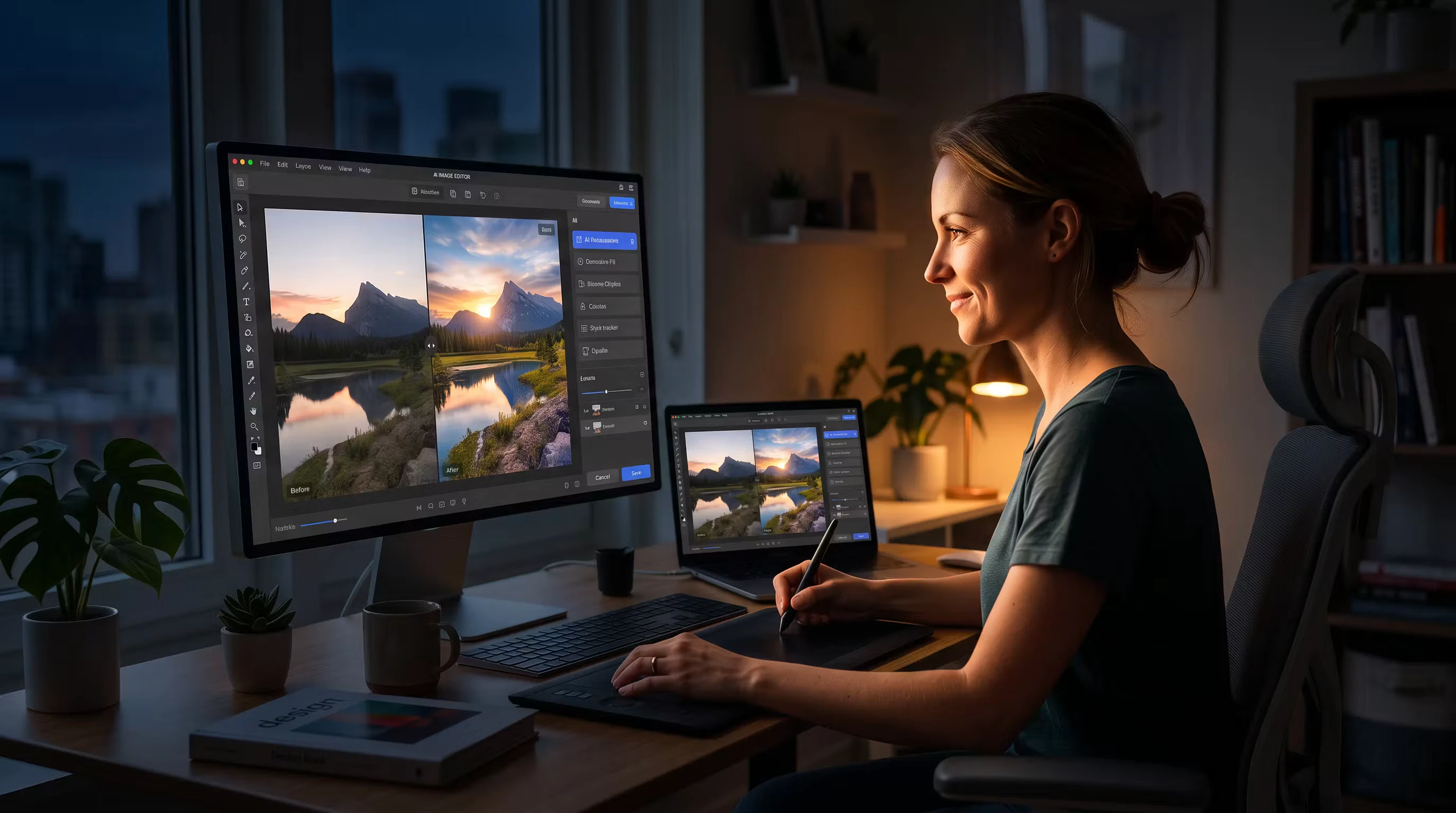
Wan 2.7 Pro introduces updated image generation workflows with both text to image and image to image capabilities, replacing Wan 2.6’s image model on Artlist. For creators, the shift is about control, stronger visual consistency, and faster iterations.
If you’ve worked with Wan 2.6, you already understand the foundation. This update builds on the Wan 2.6 foundation, with a more flexible prompting layer and improved transformation between reference images and outputs. For background on the previous version, read this article about Wan 2.6.
What’s new with Wan 2.7 Pro
Text to image
You can generate images from scratch using text prompts. This is where you define composition, lighting, style, and subject in one pass.
Wan 2.7 Pro also supports text generation in up to twelve languages, including structured outputs like formulas and tables. This opens up more use cases for creators working across regions or combining visual and informational content. Additional capabilities include:
- Better prompt adherence for complex scenes
- More consistent character and object rendering
- Improved handling of cinematic language like lens types, lighting setups, and shot composition
Wan 2.7 supports output in multiple aspect ratios, including 1:1, 4:3, and 16:9, with resolutions reaching up to 4K.
Image to image
With this workflow, you start with a reference image and transform it into something new — style transfer, variation, or structural edits.
This is where Wan 2.7 Pro stands out. When you begin with an image, you get stronger control over composition and more reliable results across iterations. Improvements include:
- Stronger preservation of composition while changing style
- Cleaner edits when modifying specific sections of your images
- More predictable outputs across multiple generations
Wan 2.7 Pro also supports multi-reference editing. You can supply one to four reference images and guide the result by referencing them directly in your prompt. This gives you a more structured way to combine ideas or maintain consistency across assets.
For color-critical work, you can define exact palettes using hex codes and ratios. This is useful when you need visuals to match brand guidelines or maintain continuity across a project.
Why Wan 2.7 Pro matters for creators
Wan 2.7 Pro is built for iterative workflows. This reduces the need to restart from scratch every time you adjust a creative decision.
You can:
- Block a concept with text to image
- Move into image to image to explore variations
- Lock in composition and push style direction
For video creators, this becomes the foundation of a pipeline. Still frames generated here can feed into video tools — including Wan’s 2.7 video model. If you’re working with Wan video, this connects directly to cinematic outputs.
4 prompting tips that actually work
1. Write like a director
Use camera and lighting language: “Close-up portrait, 85mm lens, shallow depth of field” or “Wide cinematic shot, golden hour, soft shadows.”
2. Separate structure from style
Break your prompt into layers:
- Subject
- Environment
- Camera
- Lighting
- Style
This improves consistency across generations.
3. Use image to image for control, not correction
If you want precision, start with a rough image and refine it. Image to image is more stable than trying to force text to image to get everything right in one pass.
4. Iterate in small steps
Change one variable at a time — lighting, angle, or style — so you can track what actually improves the result.
Are you ready? Try Wan 2.7 Pro now
Wan 2.7 Pro expands image generation with stronger text to image and image to image workflows. It gives you more control over iteration, composition, and style development. It’s best used as part of a larger pipeline, especially if you’re moving into AI video. Try Wan 2.7 Pro with Artlist today.