MiniMax H3, H3 Max and H3 Max Turbo: which to use?
Generate clips of up to 15 seconds with native audio. Finish at 2K on MiniMax H3, tighten prompts on MiniMax H3 Max, or draft fast on MiniMax H3 Max Turbo.
What is MiniMax H3?
MiniMax H3 is a multimodal AI video model that generates up to 15-second clips with native stereo audio, from text, images, or references, at up to 2K. Built on its open weights, MiniMax H3 Max and MiniMax H3 Max Turbo add stronger prompt adherence and speed. All three are on Artlist.

Why creators choose MiniMax H3
One model family covers the whole job, from first draft to final cut, with sound generated in the same pass.
Sound generated with the picture
Every clip comes with native stereo audio. Effects, ambience, and dialogue are generated together with the video, so there is no sync step. Describe the sound in your prompt the same way you describe the shot.

Reference images, video, and audio
Guide a shot with up to 9 images, 3 video clips, and 3 audio clips, and point to each in your prompt. Hold a character, copy a camera move, or match a voice across shots.

Clips up to 15 seconds
Generate 5 to 15 seconds per clip, with cuts between shots inside one generation. Long enough for an ad hook, a title sequence, or a full product reveal.

2K output with MiniMax H3
Standard H3 renders at 768p, then regenerates at 2K using your original prompt and references. Small text and fine detail come back sharp, which matters when the clip goes into a final edit.

Fast drafts with H3 Max Turbo
Test camera moves, lighting, and pacing quickly, then lock the prompt and finish on H3 or H3 Max. Draft many takes before you spend time on the one you keep.

MiniMax H3: the base model for 2K delivery
The original model from MiniMax. It renders at 768p, then regenerates at up to 2K from your prompt and references, so small text and fine detail stay sharp. It takes up to 9 images, 3 video clips, and 3 audio clips. Use it for brand work, character continuity, and large-screen delivery.

How to create with MiniMax H3
Four steps from idea to finished clip. They work the same way across H3, H3 Max, and H3 Max Turbo.
Pick H3 for 2K and full references, H3 Max for prompt adherence, or H3 Max Turbo for speed. Switch models on the same prompt to compare results.

Describe the subject, the action, the camera move, and the audio in one prompt. Name the beats in the order you want them, and put any on-screen text in quotes.

Upload a start frame, an end frame, or reference images, clips, and audio, then mention each one by order in your prompt. Text-only prompts work too.

Run a short draft first, change one thing at a time, then render your best take. Add music and sound effects from the Artlist catalog to finish the edit.

Who MiniMax H3 is for
Creators who need controlled, sound-ready video from text, images, or references. See how it fits next to other options on the AI video generator page.

Ad and social teams
Test ten hooks in an afternoon. Draft on H3 Max Turbo, then finish the winners on H3 at 2K.

Product and e-commerce brands
Turn one product photo into motion with accurate text and brand marks, then repeat across your range.

Indie filmmakers
Block a scene, try camera moves, and judge timing before you shoot or commit to a final render.
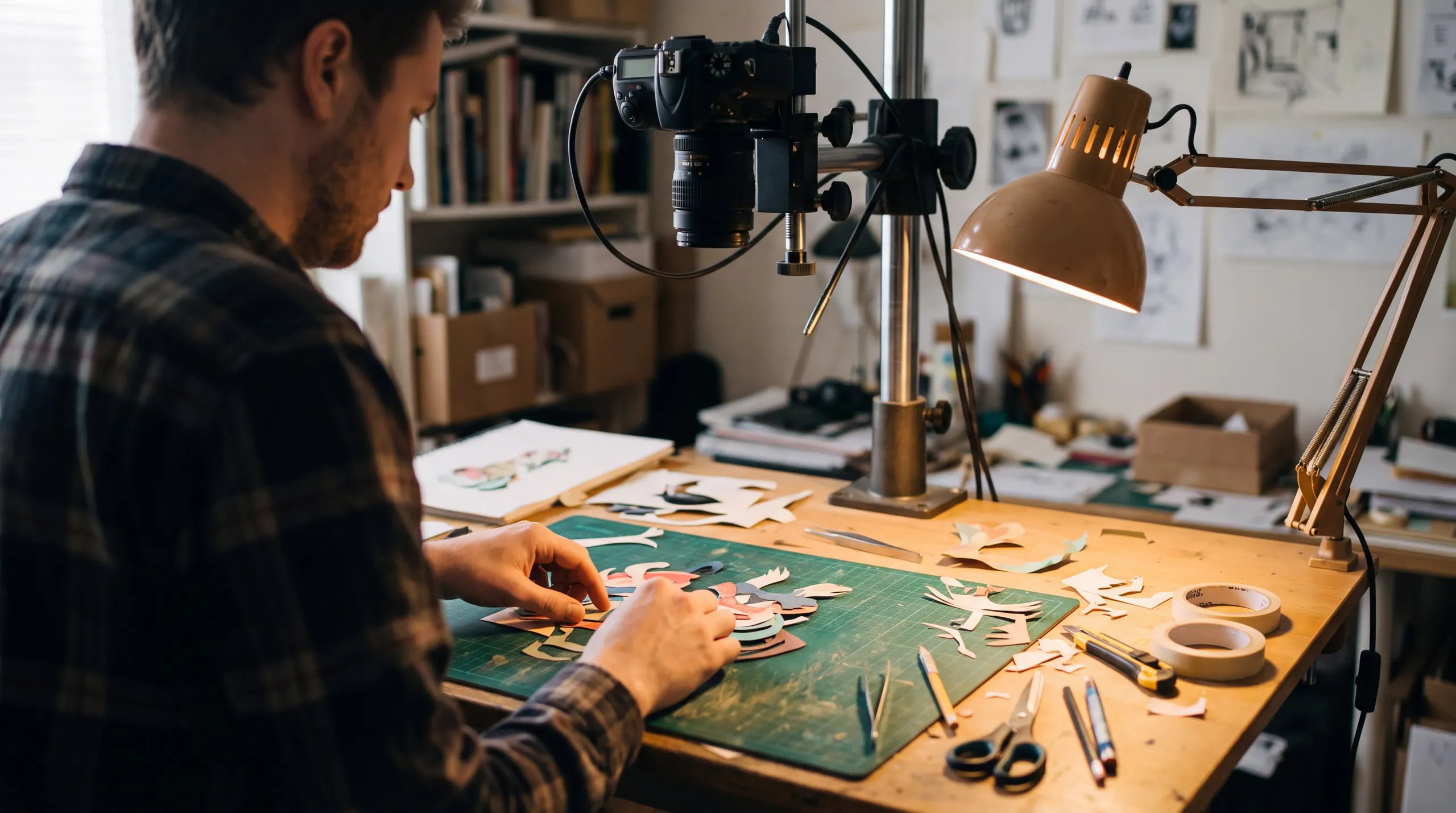
Motion and title designers
Generate title sequences and kinetic type where the words you quote come back correctly spelled.

Game and app designers
Prototype trailers, UI motion, and in-game footage with sound already in place.

Lyric and music video creators
Reference an audio clip and let the picture follow the track, then finish with Artlist music.
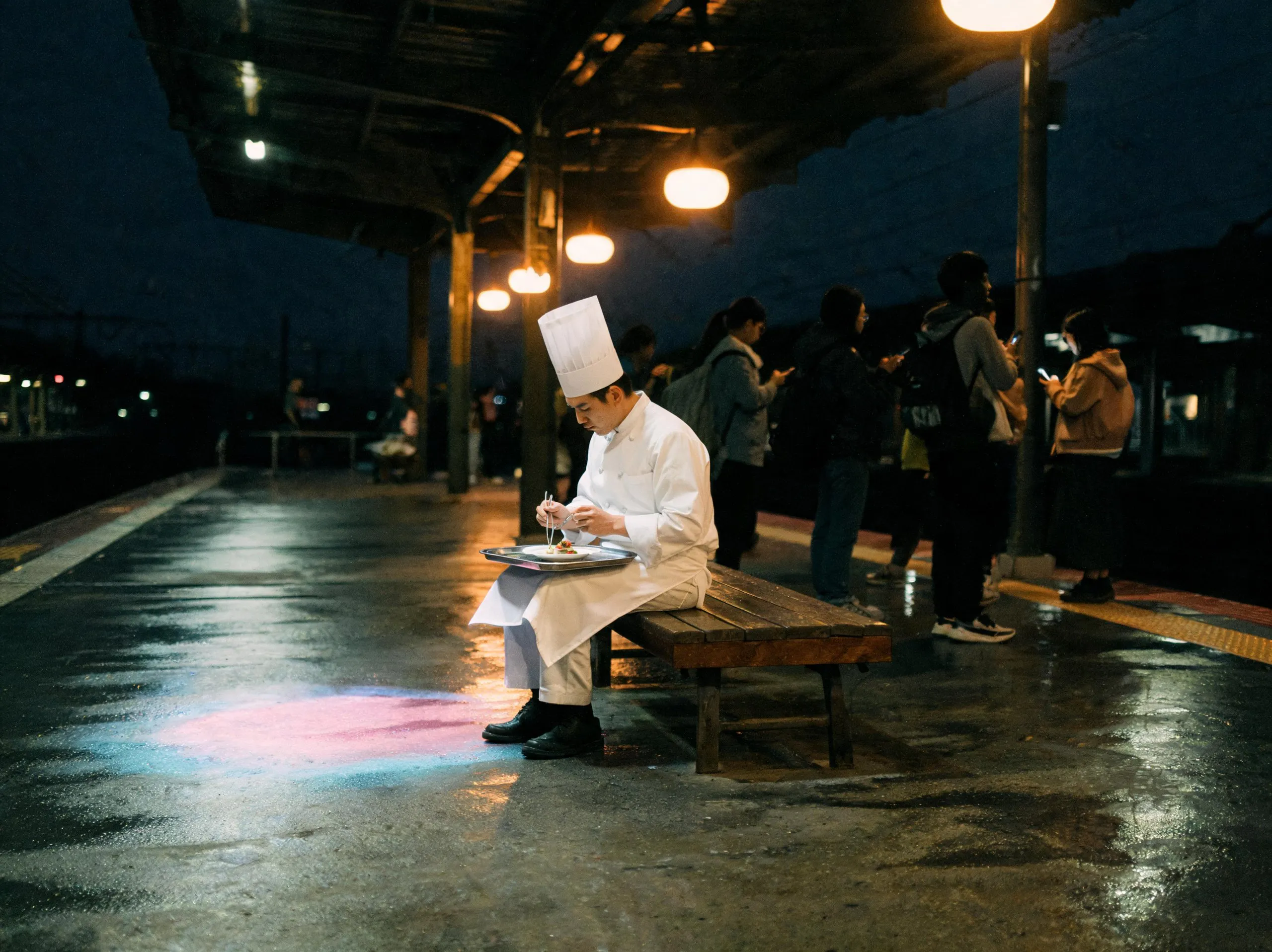
Try MiniMax H3
Describe the shot, the camera, and the sound in one prompt, then change one detail at a time. Try: “A chef in her forties looks into the camera and says, ‘The secret is you never crowd the pan.’ Medium close-up, slight handheld. Sound: her voice, a gentle sizzle.”
MiniMax H3 capabilities
What each mode does, and what it means for the clip you are making.
Text to video
Describe a scene, a camera move, and the sound. Beats you name arrive in the order you wrote them, so a shot list translates directly into a prompt.
Image to video
Animate a still with a start frame, or add an end frame so the model builds the motion between two images.
Reference to video
Combine up to 9 images, 3 video clips, and 3 audio clips in one generation to keep a character, style, or motion consistent.
Native stereo audio
Dialogue, effects, and ambience are generated with the picture, so every clip is ready to review with sound on.
Multi-shot generation
Cut between several shots inside one clip while subject and look stay stable, up to 15 seconds.
Accurate on-screen text
Quote the exact words you want and they come back legible. Useful for title cards, packaging, and UI.
Camera control
Ask for a tracking shot, a push-in, or a handheld feel and the move holds on your subject.
Six aspect ratios
Generate for 21:9, 16:9, 4:3, 1:1, 3:4, and 9:16, so one idea fits cinema, feed, and story formats.
MiniMax H3 Max: sharper prompt adherence
Built on MiniMax H3 and post-trained by fal for stronger prompt adherence and better aesthetics. Name the beats and they arrive in order, and quoted words come back legible. It generates 5 to 15 seconds at 480p and 768p, with text, image, and reference to video. Use it for shots with several beats or a specific look.


MiniMax H3 Max Turbo: draft at speed
A distilled version of MiniMax H3 Max, tuned for speed: about twice as fast as H3 Max by fal's measurement. Test hooks, camera moves, and lighting in the time one slower take would need. It supports text and image to video, not reference to video. Draft here, then finish on MiniMax H3 or H3 Max.
MiniMax H3 vs H3 Max vs H3 Max Turbo: which to use
The three share a foundation, so your prompts carry across. What changes is resolution, reference control, and speed.
MiniMax H3 vs H3 Max vs H3 Max Turbo
Feature | MiniMax H3 | MiniMax H3 Max | MiniMax H3 Max Turbo |
|---|---|---|---|
Built by | MiniMax | fal, built on MiniMax H3 | fal, built on MiniMax H3 Max |
Max resolution | 2K | 768p | 1080p |
Text to video | |||
Image to video | |||
Reference to video | |||
Native stereo audio | |||
Clip length | Up to 15 seconds | 5 to 15 seconds | 5 to 15 seconds |
Best for | Final delivery, references, brand work | Prompt-accurate shots with several beats | Fast drafts, about 2x H3 Max (fal's measurement) |
Feature | MiniMax H3 | MiniMax H3 Max | MiniMax H3 Max Turbo |
|---|---|---|---|
Built by | MiniMax | fal, built on MiniMax H3 | fal, built on MiniMax H3 Max |
Max resolution | 2K | 768p | 1080p |
Text to video | |||
Image to video | |||
Reference to video | |||
Native stereo audio | |||
Clip length | Up to 15 seconds | 5 to 15 seconds | 5 to 15 seconds |
Best for | Final delivery, references, brand work | Prompt-accurate shots with several beats | Fast drafts, about 2x H3 Max (fal's measurement) |
MiniMax H3 FAQ
MiniMax H3 is a multimodal AI video model from MiniMax, also called Hailuo 3.0. It generates clips of up to 15 seconds with native stereo audio, from text, images, video, or audio references. Standard H3 outputs up to 2K resolution, and its weights are open.
MiniMax H3 is the base model, with 2K output and full reference inputs. MiniMax H3 Max is post-trained by fal for stronger prompt adherence. MiniMax H3 Max Turbo is a distilled, faster version of H3 Max that gives up reference to video for speed.
MiniMax H3 Max is a version of MiniMax H3 post-trained by fal for stronger prompt adherence and better aesthetics. It generates 5 to 15 second clips with native stereo audio at 480p and 768p, from text, images, or references, and it is available on Artlist.
MiniMax H3 Max Turbo is a distilled, faster version of MiniMax H3 Max, built by fal. fal measures it at about twice the speed of H3 Max. It supports text to video and image to video with native audio, but not reference to video. It is available on Artlist.
No. MiniMax released H3 as an open-weight model in July 2026. H3 Max is fal's post-trained version of it, tuned for prompt adherence and aesthetics. H3 Max Turbo is fal's distilled version of H3 Max, built for faster generation at a lower cost.
Use H3 for final 2K delivery or when you need reference images, video, or audio. Use H3 Max when prompt accuracy matters most. Use H3 Max Turbo to test ideas quickly, then switch to H3 or H3 Max to finish the shots you keep.
Yes. All three models generate stereo audio together with the video, including dialogue, sound effects, and ambience. Describe the sound in your prompt, the same way you describe the shot, for the best match between picture and audio in the final clip.
Clips run from 5 to 15 seconds on H3 Max and H3 Max Turbo, and up to 15 seconds on H3. You can cut between several shots inside a single generation, then join clips together in your edit to build longer sequences.
No. MiniMax H models, such as H3, generate video and audio. MiniMax M models, such as M3, are the company's text and reasoning models. If you are looking for AI video generation, H3 is the model family to use, and it is available on Artlist.
Still have questions? We're here to help.