Text prompts: how to use generative AI effectively (opens in new tab)

Artlist’s AI Image Editor separates images into editable layers, so you can change exactly what you want without changing the rest. Move, hide, resize, remove, or prompt-edit individual elements without regenerating the entire image or using extra credits.

An AI image editor uses artificial intelligence to modify, enhance, or transform images without traditional, pixel-by-pixel editing. Artlist’s AI Image Editor separates images into editable layers, so you can change individual elements — or leave them untouched — without regenerating the entire image.
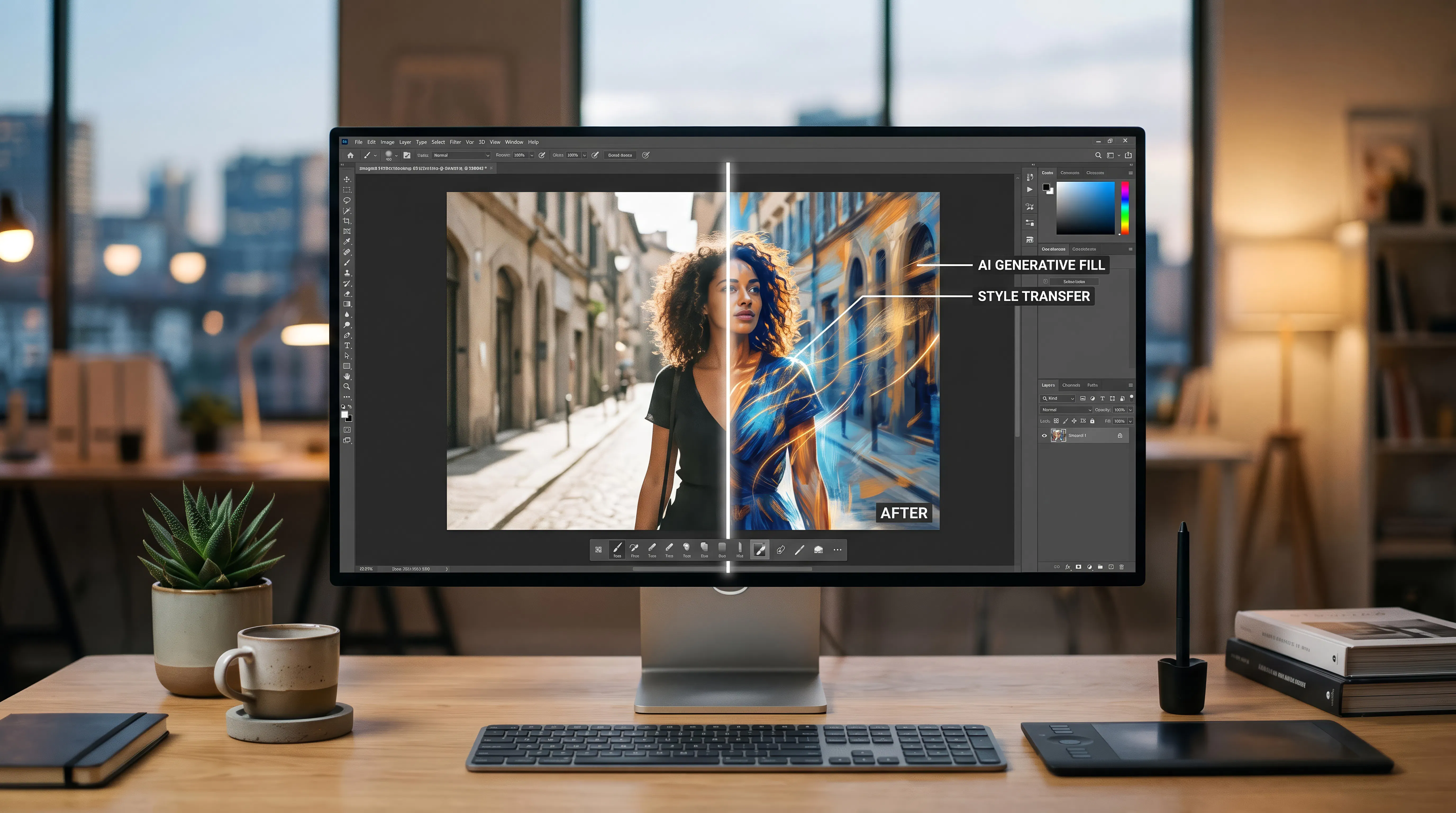
Instead of regenerating an entire image every time you want to make a change, the Artlist Image Editor lets you work with individual layers. Move, hide, resize, reorder, remove, or prompt-edit elements while keeping the rest of your image intact.
Many AI image editors work on the image as a whole. Describe a change, and the model may regenerate parts of the image you wanted to keep — shifting colors, lighting, composition, or other details in the process. The more attempts it takes to get one change right, the more credits you use.
For video creators, marketers, and brand teams working at scale, this can quickly become a production bottleneck. You need to be able to change what you want while keeping the rest of the image intact.
Artlist’s AI Image Editor works differently. It separates your image into layers, including backgrounds, objects, and individual elements, so you can edit exactly what you want and leave everything else untouched.
Want to swap the product in an ad without changing the background? Edit the product layer. Need to create a version for another market? Change the background while keeping the same model and lighting. Need to fix one detail? Edit that layer without regenerating the whole image.
What you change changes. What you keep stays.
Layer-by-layer editing isn’t just for designers. Make targeted changes anywhere in your creative workflow — without regenerating the whole image.
Change the background, colors, or a single element without rebuilding the thumbnail from scratch.

Create multiple versions of one image for different platforms and campaigns by swapping backgrounds, products, or props.

Fix one detail in an AI-generated frame while characters, setting, and lighting stay consistent across the scene.

Replace a product, variant, or package while keeping the same model, setting, and lighting.

Adapt one visual for different audiences by changing backgrounds, props, or products — no reshoot, no full regeneration.

Images edited with Artlist’s AI Image Editor are covered by Artlist’s licensing terms, so you can use them for commercial projects such as client work, advertising, and published content.
For creators and teams using AI at scale, having both the tools to create and the licensing to use the resulting work is an important part of the workflow.
Artlist’s AI Image Editor is part of a broader creative platform that brings AI tools together with royalty-free music, footage, sound effects, and other creative assets.
Generate an image, edit it layer by layer, and continue building your project without switching between multiple creative platforms.
Use Artlist AI to achieve your best results with the help of model guidebooks, prompt tutorials, creative inspiration, and advice from leading artists.
Artlist’s AI image editor splits your image into layers so you can target exactly what needs to change and leave everything else untouched. Describe your edit in plain text or use guided selections, and only the selected element updates — background, product, color, or detail — without regenerating the whole image or affecting the rest of the scene.
With Artlist’s layer-by-layer approach, you can swap backgrounds, replace products or props, change colors on a specific element, or remove distracting details — all without touching the rest of the image. This makes it especially useful for ad variations, thumbnail updates, and adapting the same visual for different markets without rebuilding from scratch.
Traditional photo editing tools require manual selections, masks, and layer management. AI image editing reads the image automatically, understands its contents, and makes targeted changes through text prompts or guided selections — no Photoshop skills required. Unlike most AI tools, Artlist’s editor works layer by layer, so a single change stays contained rather than regenerating the whole image.
Yes. Every image you edit with Artlist’s AI image editor is covered under Artlist’s universal license — the same license that covers music, footage, and sound effects on the platform. That includes client work, paid ads, and published content, with no separate licensing terms or royalty negotiations required.
No design experience is needed. Artlist’s AI image editor works through text prompts and guided selections, so you describe what you want to change in plain language and the AI handles the rest. This makes precise image editing accessible to creators, marketers, and content teams at any skill level.
AI photo editor and AI image editor refer to the same category of tool: software that uses artificial intelligence to modify images through prompts or automated selections, without manual pixel-level editing. The key difference is approach. Artlist’s tool edits by layer, so what you change changes and what you keep stays, rather than regenerating the full image.
Still have questions? We're here to help.

