GPT Image 2.5: edits that stay where you put them
GPT Image 2.5 is OpenAI's latest image model, built for creators who need photorealistic images and on-image text that doesn't drift between edits. Choose Flare for speed or Sunburst for precision, both live in Artlist's AI tools.

Flare vs. Sunburst: a speed-vs-precision choice
Flare | Sunburst | |
|---|---|---|
Built for | Fast turnaround on everyday edits | Detail-critical work like packaging, signage, and UI mockups |
Trade-off | Prioritizes speed on scoped changes | Prioritizes precision on scoped changes |
Pick it when | You're iterating quickly across drafts | The edit has to hold up to close inspection |
Flare | Sunburst | |
|---|---|---|
Built for | Fast turnaround on everyday edits | Detail-critical work like packaging, signage, and UI mockups |
Trade-off | Prioritizes speed on scoped changes | Prioritizes precision on scoped changes |
Pick it when | You're iterating quickly across drafts | The edit has to hold up to close inspection |
What's new in 2.5
Scoped edits
GPT Image 2.5 changes only what you ask it to change. Everything else in the frame, background, lighting, other objects, stays exactly as it was, the same scoped approach behind Artlist's image to image ai generator.
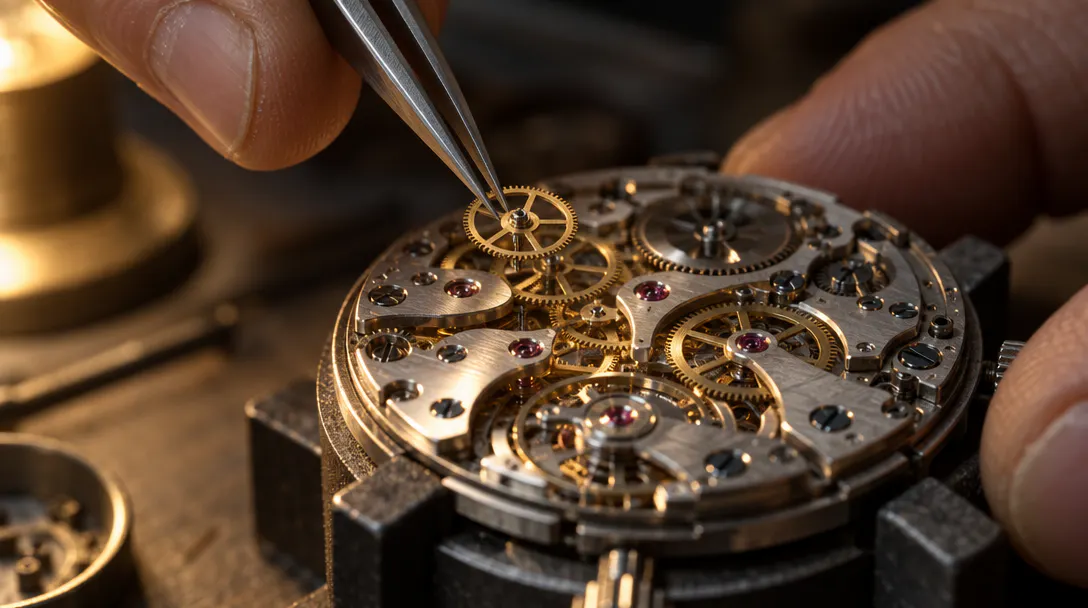
Subject consistency
Faces, products, and layouts stay recognizable across edits, styles, and settings, even over a long editing session. You can push a design through a dozen revisions without the subject drifting into a different-looking version of itself by the end.
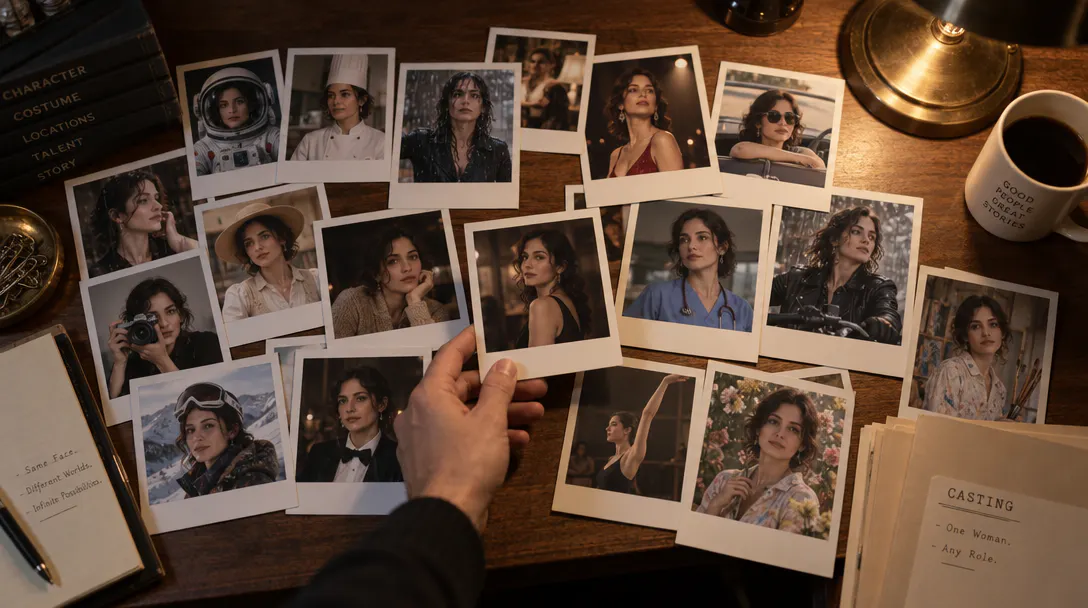
Long-session quality
Quality holds steady through successive edits instead of degrading pass by pass. Run a long back-and-forth with the model, and the tenth edit looks as clean as the first, so you can iterate as much as the project needs.
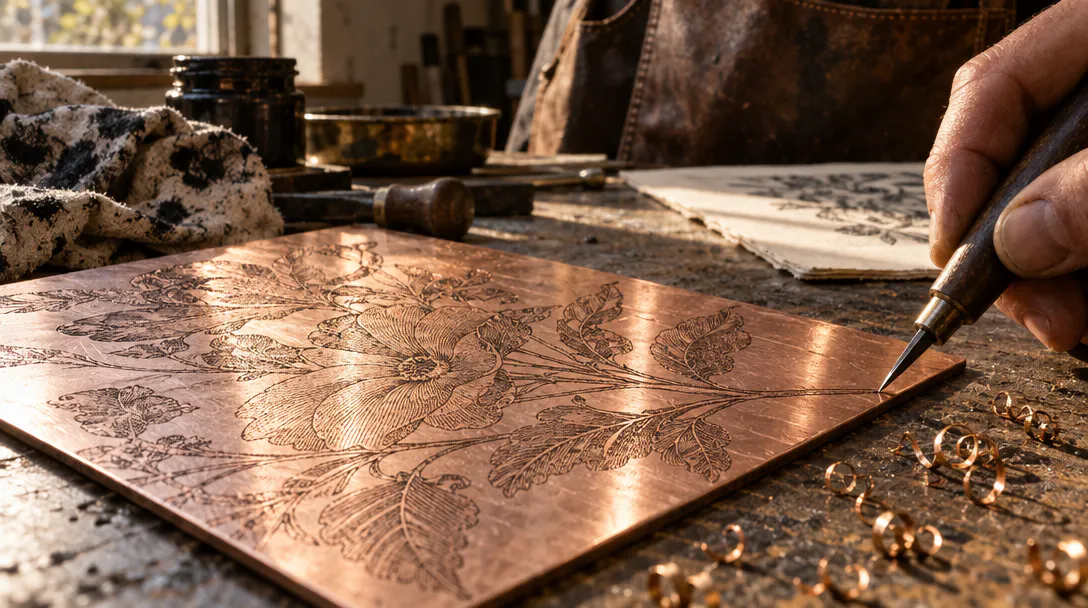
Key features
The model's two headline strengths.

Text rendering
GPT Image 2.5 renders on-image text with an accuracy hard to find elsewhere. Words stay legible, whether you're starting from a <a href="https://artlist.io/ai/image-generator/text-to-image">text to image</a> prompt or editing an existing shot.
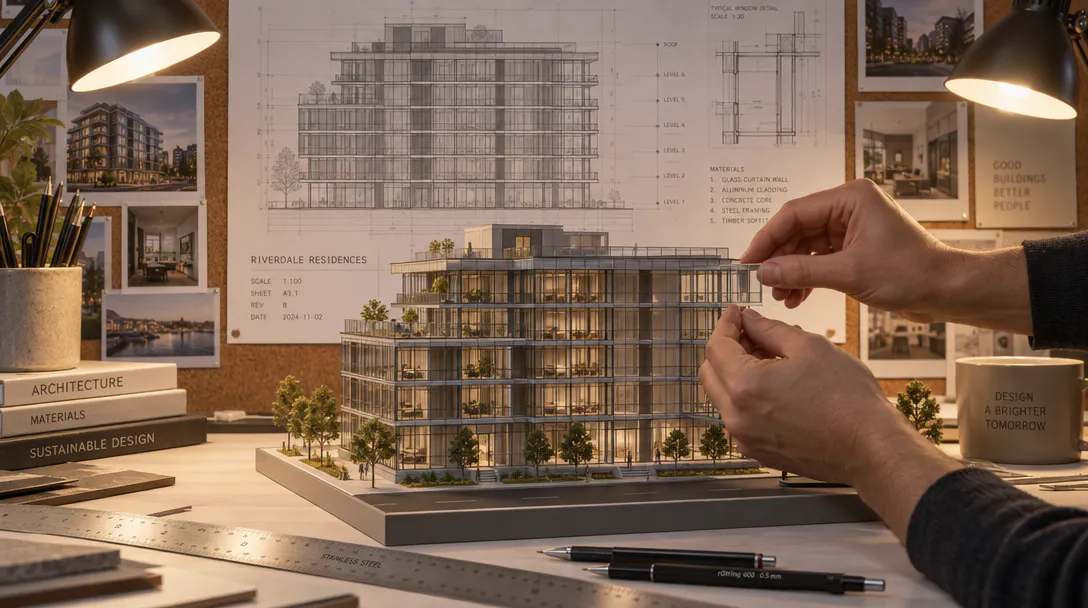
Instruction following
The model reads a detailed prompt and follows the specific instruction, not a rough approximation of it. That precision matters most when you're editing to a client brief instead of experimenting for yourself.
Up to 16 reference images
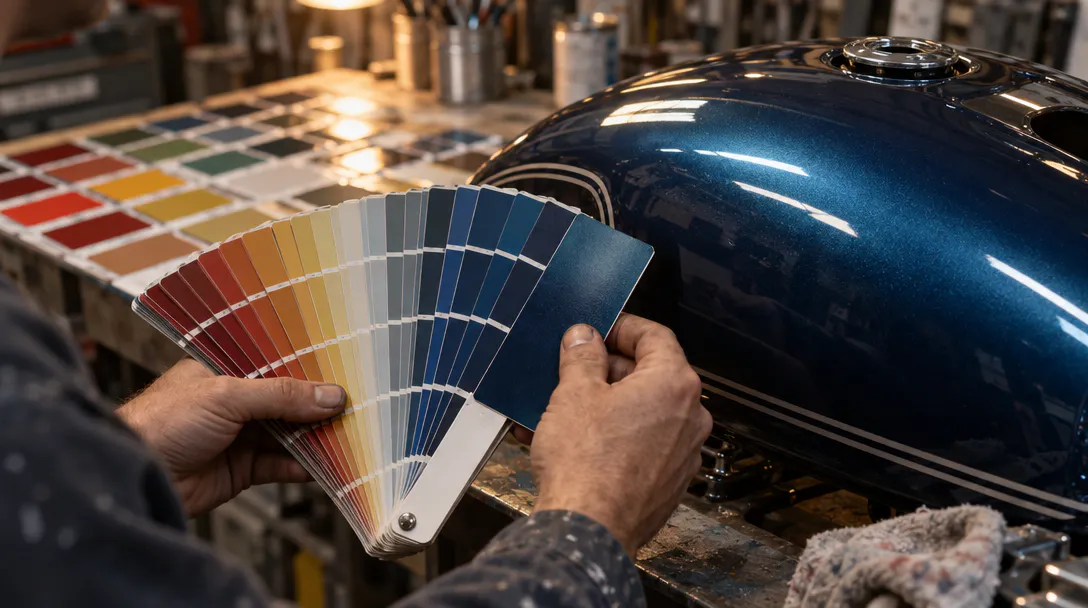
Feed the model up to 16 reference images in one edit, so it can match a product's exact packaging, a brand's color palette, or a character's look, instead of guessing from a single shot.
GPT Image 2 vs GPT Image 2.5
Feature | GPT Image 2 | GPT Image 2.5 Flare | GPT Image 2.5 Sunburst |
|---|---|---|---|
Max resolution Native render quality | 4K | 4K | 4K |
Generation speed Relative to GPT Image 2 | Baseline | Up to 50% faster | Slower, trades speed for precision |
Scoped edits Changes only what's asked | Standard | Stronger, keeps the rest of the frame untouched | Strongest, built for detail-critical edits |
Subject consistency Recognizable across edits and styles | Standard | Improved | Strongest across long edit chains |
Multi-turn editing Quality across repeated edits | Can soften over long sessions | Holds steady | Holds steady |
Reference images Inputs accepted per edit | Multiple | Up to 16 | Up to 16 |
Text rendering On-image text accuracy | Strong | Sharper detail | Sharper detail |
Best for Where it fits your workflow | General generation and editing | Social content, product shots, high-volume iteration | Campaign creative, polished product imagery |
Feature | GPT Image 2 | GPT Image 2.5 Flare | GPT Image 2.5 Sunburst |
|---|---|---|---|
Max resolution Native render quality | 4K | 4K | 4K |
Generation speed Relative to GPT Image 2 | Baseline | Up to 50% faster | Slower, trades speed for precision |
Scoped edits Changes only what's asked | Standard | Stronger, keeps the rest of the frame untouched | Strongest, built for detail-critical edits |
Subject consistency Recognizable across edits and styles | Standard | Improved | Strongest across long edit chains |
Multi-turn editing Quality across repeated edits | Can soften over long sessions | Holds steady | Holds steady |
Reference images Inputs accepted per edit | Multiple | Up to 16 | Up to 16 |
Text rendering On-image text accuracy | Strong | Sharper detail | Sharper detail |
Best for Where it fits your workflow | General generation and editing | Social content, product shots, high-volume iteration | Campaign creative, polished product imagery |
Frequently asked questions
GPT Image 2.5's Flare and Sunburst variants come as part of an Artlist AI tools subscription, alongside licensed music and Artlist's other AI models. Whether a free tier applies depends on your plan, so check your current plan's included AI credits before you start editing.
Yes, OpenAI offers GPT Image 2 directly inside ChatGPT and its API. Artlist brings the same model into a creator-focused workflow instead, with Flare and Sunburst variants, commercial licensing, and your other creative assets in one place, so you're not wiring up an API to get production-ready results.
You can reach GPT Image 2.5 through OpenAI directly, or inside Artlist's AI tools alongside your other creative projects. In Artlist, you pick Flare or Sunburst, describe the edit, and the model applies it without leaving your project or managing a separate API key.
Pricing depends on where you access it. OpenAI prices GPT Image 2 on its own usage-based terms, and Artlist includes it within an AI tools subscription. Exact plan details for GPT Image 2.5 are still being finalized.
Still have questions? We're here to help.