Flux 3 — Images in Native 4K, Video Up to 20 Seconds
Use Flux 3 Image for posters, packaging and branded visuals with text that's spelled right. Use Flux 3 Max to turn a prompt or a still into a 5 to 20-second clip. Use Flux 3 Klein for fast, low-cost drafts and quick edits. All three run on Artlist.

What Is Flux 3 Image?
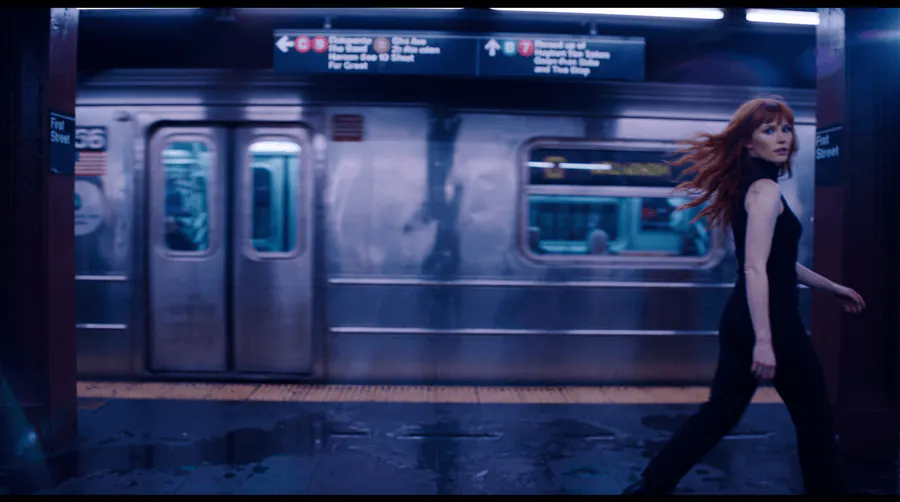
Flux 3 Image is Black Forest Labs' FLUX 3 image model. It handles text-to-image generation and image editing in one model. Its strengths are layout control, accurate text rendering and native 4K output. That makes it a clear step up from Flux 2 Pro and Kontext, especially for text-heavy work like posters, packaging and signage.
What Is Flux 3 Max?
Flux 3 Max is the video model in the FLUX 3 family. It generates 5 to 20-second clips from text or a starting image, with an optional end frame to set where the shot lands. Output runs at 720p or 1080p, from 9:16 to 21:9, with native audio you can switch on or off.

What You Can Create with Flux 3
What Is Flux 3 Klein?
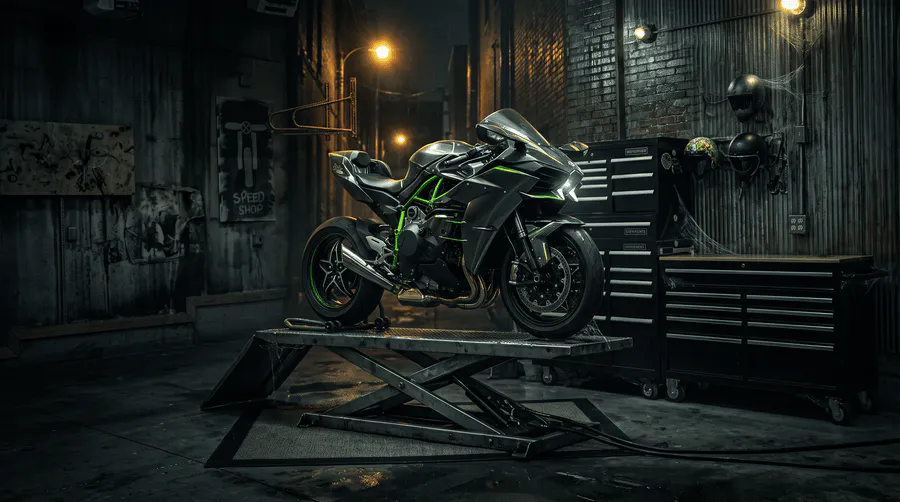
Flux 3 Klein is the small, fast model in Black Forest Labs' FLUX 3 family. It handles text-to-image and editing in one model, with most 1K and 2K images back in about 10 seconds. It trades some quality and prompt adherence for speed and a lower price, so it suits drafts, volume work and quick edits. For final, text-heavy images, use Flux 3 Image.
Flux 3 Image vs Flux 3 Max vs Flux 3 Klein
Feature | Flux 3 Image | Flux 3 Max | Flux 3 Klein |
|---|---|---|---|
Output | Images | Video | Images |
Best for | Final images and text-heavy work like posters, packaging and signage | Clips from a prompt or a still | Fast, low-cost drafts and quick edits |
Modes | Text-to-image, image editing | Text-to-video, image-to-video | Text-to-image, image editing |
Resolution | 0.75K, 1K, 2K, 4K | 720p, 1080p | 1K, 2K, 4K |
Aspect ratios | 15 plus Auto | Auto, 16:9, 9:16, 1:1, 3:4, 4:3, 2:1, 21:9 | 16:9, 9:16, 1:1, 2:3, 3:4, 4:3, 3:2, 21:9 |
Per generation | 1–4 images | One 5 to 20-second clip | 1–4 images |
Reference input | Up to 10 reference images | Starting image, optional end frame | Up to 10 reference images |
Standout feature | Accurate text and precise layout control | Native audio you can switch on or off | Most 1K and 2K images in about 10 seconds |
Feature | Flux 3 Image | Flux 3 Max | Flux 3 Klein |
|---|---|---|---|
Output | Images | Video | Images |
Best for | Final images and text-heavy work like posters, packaging and signage | Clips from a prompt or a still | Fast, low-cost drafts and quick edits |
Modes | Text-to-image, image editing | Text-to-video, image-to-video | Text-to-image, image editing |
Resolution | 0.75K, 1K, 2K, 4K | 720p, 1080p | 1K, 2K, 4K |
Aspect ratios | 15 plus Auto | Auto, 16:9, 9:16, 1:1, 3:4, 4:3, 2:1, 21:9 | 16:9, 9:16, 1:1, 2:3, 3:4, 4:3, 3:2, 21:9 |
Per generation | 1–4 images | One 5 to 20-second clip | 1–4 images |
Reference input | Up to 10 reference images | Starting image, optional end frame | Up to 10 reference images |
Standout feature | Accurate text and precise layout control | Native audio you can switch on or off | Most 1K and 2K images in about 10 seconds |
Frequently Asked Questions
Flux 3 is a model family available on Artlist with three models. Flux 3 Image generates and edits images up to native 4K. Flux 3 Max generates 5 to 20-second video clips from text or a starting image. Flux 3 Klein is the small, fast image model for drafts and quick edits.
Flux 3 Image is Black Forest Labs' FLUX 3 image model. It generates images from text and edits existing images in one model, with output up to native 4K.
Flux 3 Max is the video model in the Flux 3 family. It generates 5 to 20-second clips from a text prompt or a starting image, at 720p or 1080p, with an optional end frame and native audio.
It supports text-to-image generation and image editing. You can make local edits to one object or region or merge up to 10 reference images into one composite.
Flux 3 Max generates clips of 5 to 20 seconds at 720p or 1080p. Aspect ratios are Auto, 16:9, 9:16, 1:1, 3:4, 4:3, 2:1 and 21:9. You can add an end frame, turn native audio on or off, and set reasoning to low or high for closer prompt-following.
It's a clear step up in layout control, text rendering, and resolution. It renders headlines and signage accurately in multiple languages and outputs native 4K.
It generates at 0.75K, 1K, 2K and 4K, in 15 aspect ratios plus Auto. Each generation returns 1–4 images.
Yes. Text rendering is one of its main strengths. For best results, put the text in quotes and describe where it should appear.
Flux 3 Klein is the small, fast model in the Flux 3 family. It handles text-to-image generation and image editing, with most 1K and 2K images returned in about 10 seconds.
Klein trades some detail and prompt adherence for speed and a lower price. Flux 3 Image is still the stronger choice for final images with text, hands or busy scenes, so a good workflow is to draft in Klein and finish in Image.
It generates at 1K, 2K and 4K in eight aspect ratios: 16:9, 9:16, 1:1, 2:3, 3:4, 4:3, 3:2 and 21:9. Each generation returns 1–4 images, and edits accept 1–10 reference images.
No. In edits, the aspect ratio doesn't follow the reference, so pick the ratio that matches your source image.
Yes. Flux 3 Image, Flux 3 Max and Flux 3 Klein are part of Artlist's AI creative tools suite, and outputs are covered under the Artlist license for commercial use.
Still have questions? We're here to help.