Insider tips for Artlist Studio from the platform’s visionary CEO

Highlights
“I’ve spent over 30 hours inside Artlist Studio, and as a filmmaker, the most exciting part isn't just the end result, it’s how it changes the entire creative flow.” Ira Belsky, Co-Founder and CEO at Artlist
To help you master Artlist Studio, the new AI video production platform, we’ve pulled together the essential best practices and "director’s secrets" from the visionary behind the platform himself. After dozens of hours of hands-on creation, Ira Belsky shares his tips to help you get the most out of Artlist Studio.
First, to explain more about Artlist Studio, the new AI video production platform from Artlist. Artlist Studio is giving control back to the creator in the age of AI creation, providing the tools to move beyond the trial-and-error of text prompting into true visual direction. Cinematic results on their own terms. Here is how to think and create like a director inside Artlist Studio.
1. Balance vision with flexibility
While you should have a solid idea of what you want to create, try to avoid an incredibly rigid vision at the start. Artlist Studio can currently get you about 95% of the way to a specific vision. Be intuitive, go with the flow, and allow Studio to assist in the creative discovery.
2. Prioritize your “world-building” early
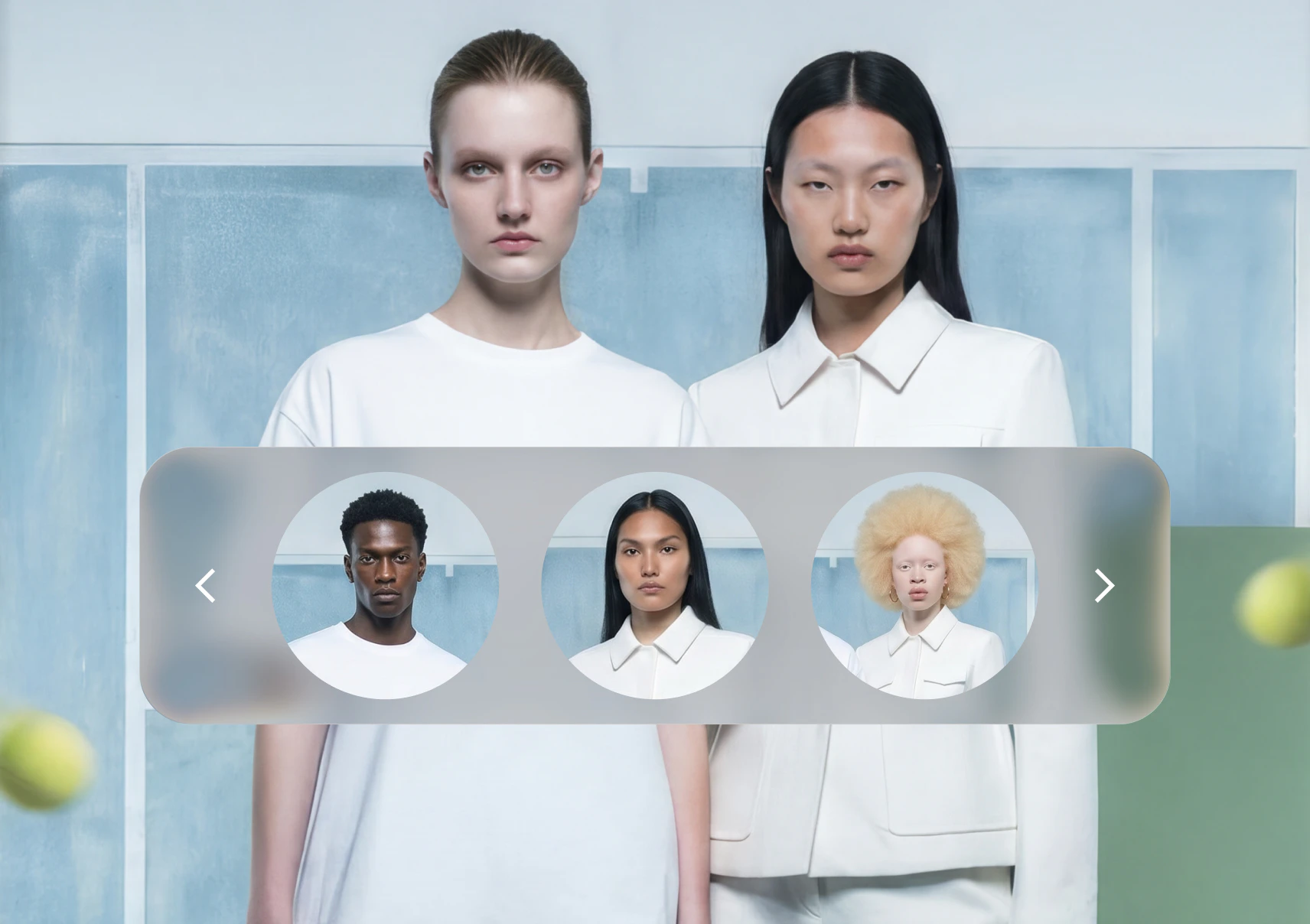
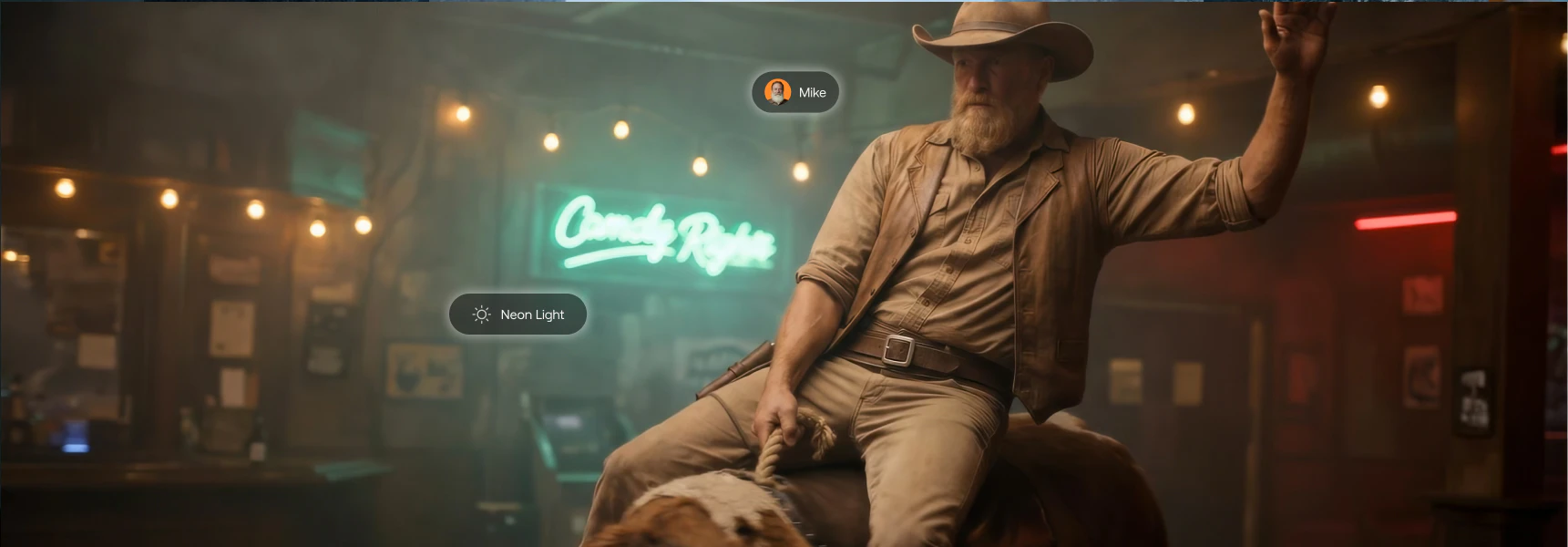
Take the time to properly set up your characters and locations before diving into specific shots. This is the groundwork for everything else. The final location you choose is the foundation of your production — it dictates the lighting, colors, and mood that will influence every other element. If you get the location right, everything else will blend into that aesthetic naturally.
3. Don’t obsess over initial results
When setting up your characters and world, don’t get hung up on the initial results. If it works generally, move forward. You can always refine the style, improve the resolution, and fix the “look” later in the process.
4. Think like a director
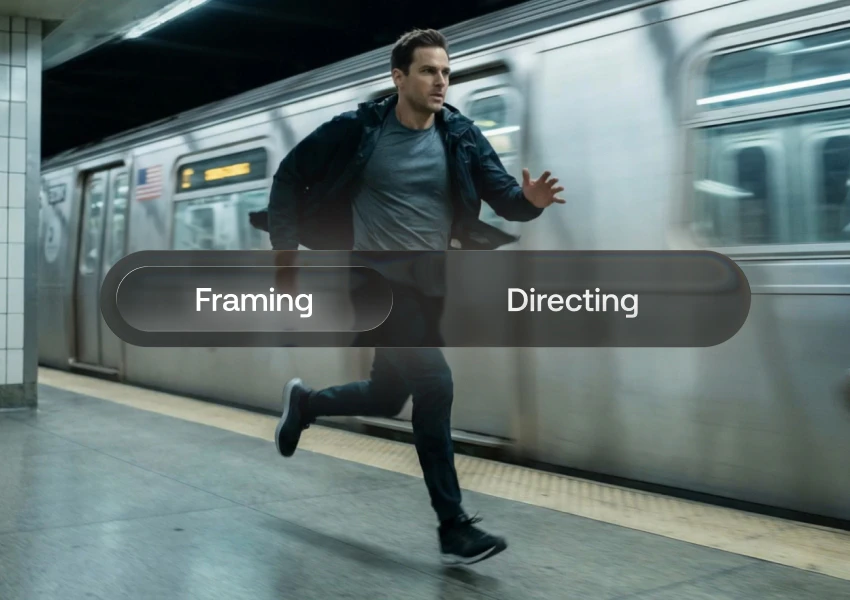
Adopt a non-linear workflow. Switch between framing characters, adjusting locations, and creating new elements all at once. Artlist Studio is designed for you to jump back and forth between directing and editing until the flow feels right.

5. Master the shortcuts
There are a few professional tricks that can speed up your production significantly:
- The empty frame technique: You can create an empty location frame first and then direct characters into it. They don’t have to be in the frame initially to remain consistent.
- Start with wide shots: Use wide shots for a clear sense of where people and objects sit within the location. Once you have that master shot, edit and duplicate it, and create your close-ups and alternative angles.
- Clip-to-shot transitions: You can start a new shot from any frame of a different clip. This is a powerful way to move through a scene quickly.
6. Refine, don't over-engineer
You don't need a perfect base prompt to get the perfect shot. Get close to your desired framing with your prompt, and then use the editing tools to tweak it. Also, unless you have a specific reason to change the settings, try them as they are set first. Don't change them just for the sake of it.
7. Trust the flow
Ira notes that it usually takes about an hour of work before you have enough shots to really dive into the editing phase. But once you hit that point, the process becomes incredibly intuitive and addictive. By removing the stiffness of traditional prompting, the experience becomes an organic, engaging interaction between your vision and the tool.
Shifting from traditional production to Artlist Studio, the new AI video production platform, doesn’t have to be a significant leap. By focusing on your environment first, channeling your “director's” mindset, and giving yourself the time to find the flow, you’ll reach the sweet spot of fluidity to explore ideas that used to be out of reach. Put these tips into practice and see where the flow takes you. For a limited time, you can get 50K free credits with Artlist’s AI Pro plans to explore Artlist Studio.